
Conference Presenter Guide for Poster Sessions
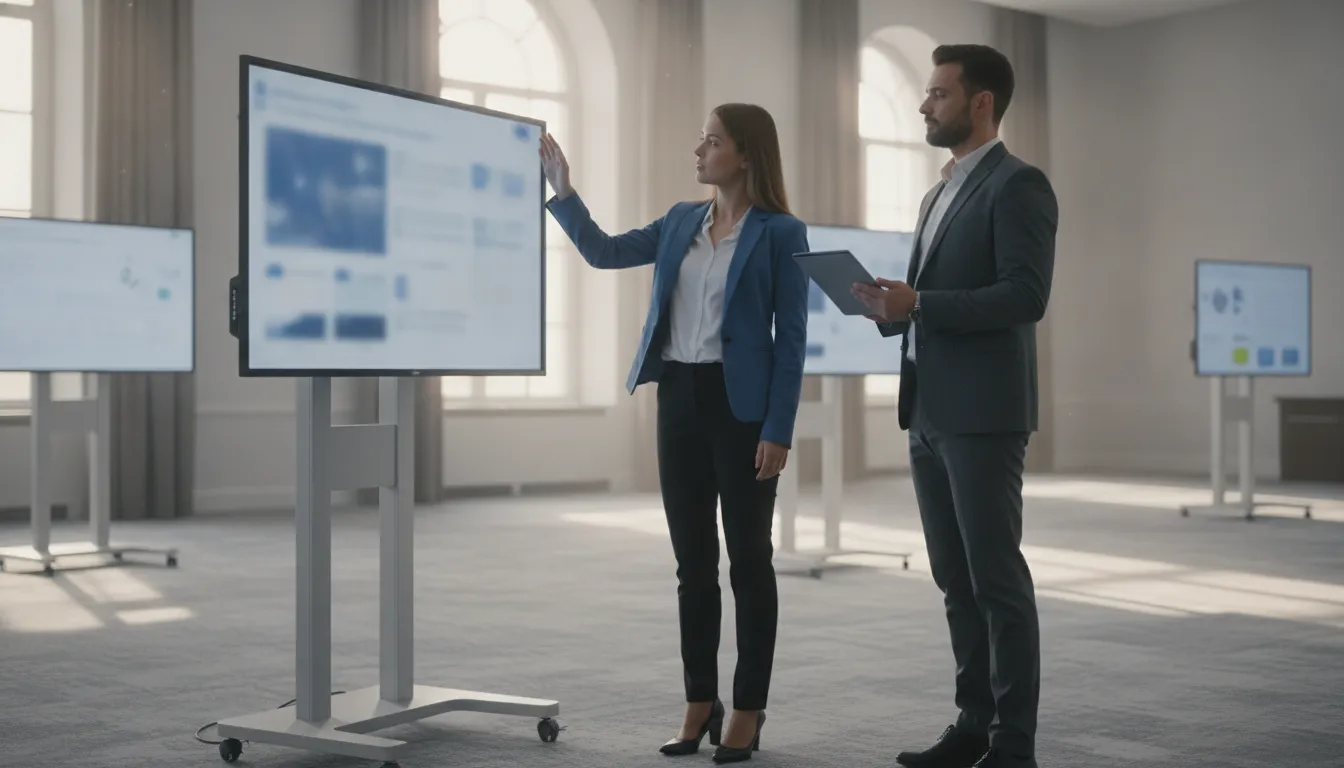
A conference presenter guide is the note accepted authors actually read before a digital poster session. It tells them what file to prepare, when it is due, how the display behaves, how to stand the session, and where to get technical help. Organizers write it. ePosterBoards does not hand every event one fixed script, because file rules, board assignments, and support hours are set in the proposal for that meeting.
Request an RFP when you want a staffed poster-session program and a guide written around that scope.
This sample is written for the organizer to adapt and send. It is not a design brief for an individual author, and it is not a help-desk staffing plan. Use it after acceptance, once the session format is chosen.
What a conference presenter guide should do
Authors open this note looking for five answers. They want to know what to submit, when it is due, how the screen works, what to do during the session, and who to ask if something fails. If the guide answers those, most day-of questions shrink to true exceptions.
Keep the buyer clear. The conference organizer commissions the managed poster session. Presenters are participants in that program. They are not the equipment customer, and they should not be told to price screens, travel, or staffing.
Say what the guide is not. It does not replace the scientific content rules in the call for abstracts. It does not replace a room map, a power plan, or a help-desk script. Those belong in organizer documents. The presenter note only needs the parts an author must act on.
Write it in the organizer's voice. Use the event name, the poster hall name, and the session times the program already published. A generic vendor paragraph feels optional. A short note from the program chair gets read.
Say who owns the session before you give instructions
Open with one plain sentence: the meeting has booked a managed digital poster session, and this note explains how authors take part. That framing stops two common mix-ups.
First, authors sometimes think they must rent a screen themselves. They do not. The organizer's order covers the displays, stands, file handling in the chosen package, and the on-site technicians included in that scope. Do not quote a per-screen rate. On-site hardware and service pricing is quote-only, and it is not the presenter's bill.
Second, authors sometimes think a design studio is included. It is not, unless the organizer contracted that add-on. Custom poster design is a separate path. An author who wants a designed file uses the individual project request, not the session upload. Point them there only if your event allows outside design help. Do not imply the managed program includes design hours.
Also separate optional products. Abstract submission portals, electronic judging, a virtual conference, and a hosted gallery are add-ons. Mention one only if that meeting actually bought it. A presenter who is told to "upload to the gallery" when no gallery exists will miss the real deadline.
If the organizer plans to charge authors an e-poster fee, add it to registration, or fund the session with a sponsor, say so in the organizer's own words. Those are funding choices for the meeting. They are not ePosterBoards charges, and they are not required author fees unless the organizer sets them.
Build the guide from the package you booked
Display behavior changes with the setup. Write the guide after the package is chosen, not before. The services page describes three organizer setups. The setups page names Plug and Play, Plug and Play Advanced, and an e-Poster kiosk. Do not merge those names into one catalog, and do not promise a feature from a package you did not book.
| Setup the organizer booked | What the presenter guide should say | What not to promise |
|---|---|---|
| Plug and Play | Bring the file on your own device. Meet the on-site team to load it and fix last-minute issues. | A finished kiosk menu, or a guarantee that every laptop connector will work. |
| Plug and Play Advanced | You may connect your own computer when the file is proprietary or the images are very dense. | Compatibility with every operating system, venue network, or adapter. |
| e-Poster kiosk | Send the file ahead. Staff format it and place it on a branded menu with your name and session. | Unattended boards, or same-day redesign of the menu. |
Every package on the setups page can show more than one presentation on a board across the meeting. Tell authors their file may share a screen with other sessions, and that the program, not the author, assigns the board.
Touchscreens are an option, not the default. Mention a touchscreen tablet or a touch display only when that option is in the order. Otherwise tell authors to expect a large flat-panel display on a stand, with a technician nearby.
Screen size needs the same care. Setup and service pages refer to 49-inch displays. The templates page also mentions 47 inches and supplies PowerPoint files at 40.97 by 23.04 inches. Do not lock a size in the guide until the current model for that event is confirmed. Tell authors which template the meeting actually wants, and link the template page rather than inventing a pixel size.
Tell presenters how to prepare the file
The guide should point at the meeting's file rules, not reprint them. Your ePoster file requirements are an organizer document: format, slide size, names, media, and the deadline. The presenter note should repeat only the actions.
Use a short checklist:
- Build the poster in the template this meeting named, or match the size in the file rules.
- Keep one poster file per accepted abstract unless the program said otherwise.
- Name the file the way the program asked, usually author name plus abstract number.
- If video or animation is allowed, follow the media rule. If it is not allowed, leave it out.
- Send the file the way this session collects it: ahead of time, or on site, not both unless you said so.
- Bring a backup copy on a second device even if you already uploaded.
For layout help, link the meeting's own instructions and the public ePoster presentation guidelines. Those tutorials cover PowerPoint setup, fonts, equations, transitions, animations, hyperlinks, and video. They are formatting lessons. They are not the event's submission rules.
Authors who want a designed file, rather than a file they build, should use the separate scientific ePoster design service. That request asks for a deadline, the software, and special instructions. It does not place the poster on a board. The organizer still has to receive the finished file through the session path.
Do not publish a file-size cap, a required software version, or a ban on a file type unless the proposal for this event states it. Public pages do not set a universal upload limit.
Set deadlines the author can meet
There is no universal poster cutoff on the public site. The organizer sets the date. Put one date in the guide, in the event's time zone, and say what "final" means.
For a kiosk-style session, "final" means the file staff will format and place on the menu. Late files may still be loaded on site if the package includes that help, but they may miss the pre-built menu. Say that plainly so authors do not assume a late upload gets the same treatment.
For Plug and Play, "final" may mean the file the author brings to the hall. Still ask for an earlier copy when you want a compatibility check. Presenter Community pages, when the event uses them, can hold templates, instructions, and a poster review. Mention that page only if this meeting has one, and give the login path the organizer already sent.
Authors can also bring a file on their own device for an on-site load. Tell them where to go and when the desk opens. Do not promise that every late change will be made. Last-minute edits depend on the package, the queue, and the session start time.
Leave yourself room before that author deadline. The preferred planning window for the event itself is about two months. Bookings inside six weeks may carry a rush charge, and the amount is not published. That charge is an organizer planning fact. It does not belong in the presenter note as a fee the author pays.
If the meeting also collects abstracts in a portal, keep that deadline in the abstract instructions. Do not paste it into the poster guide unless it is the same date. Mixing the two is how authors upload a poster to the wrong place.
Explain how the display will behave
Authors who have only stood beside a paper poster need a short picture of the digital hall. A few concrete lines prevent most floor questions.
Tell them the program assigns the board. They should look for their name, abstract number, or session on the posted list or the kiosk menu, not pick an open screen. Multiple posters can share one board across the day, so a blank screen at the wrong hour is not a lost file.
Describe the handoff they will see. In Plug and Play, they meet a technician, the file is loaded, and they confirm the poster looks right before they step away. In a kiosk setup, the file is already on the menu, and they confirm their name and session, then use the navigation the staff embedded. In Plug and Play Advanced, they connect their own computer for that session and disconnect when the slot ends.
Say what they can still change. On-site technicians can help with a load and with formatting issues that are in scope. They are not a design studio, and they are not there to rewrite the science. Ask authors to check titles, author lists, and figures before they arrive.
Mention interaction only if it is real for this order. A standard display is a large monitor. A touchscreen option lets the author or an attendee move through the file. Do not promise 3D models, video, or animation unless the file rules allowed those and the package can play them.
Skip hardware claims you cannot stand behind. Do not promise an uptime level, a backup screen for every board, or a specific response time. Tell authors to find the on-site team if a screen is dark, and tell them the program will decide the next step.
Cover session etiquette without a lecture
Etiquette in the guide should be short and local. Authors already know how to talk about their work. What they need is how this hall runs.
Ask them to be at the assigned board for the posted session, not for the whole day unless the program says the poster stays up. If the board rotates, the next author needs the screen. A one-line reminder beats a speech about professionalism.
Ask them to stay near the display while their session is live so attendees can find them. If they leave for a talk, they should say so on a small note or in the program, not by closing the file.
Ask them to let attendees drive a touchscreen when one is provided, and to avoid blocking a neighboring board. Shared rows are common. A presenter who pulls a chair into the aisle creates the problem the floor plan tried to avoid.
Recording and photos are the organizer's rule. If the meeting allows attendee photos, say so. If a presenter may not record a neighbor's unpublished data, say that too. Do not invent a company-wide media policy. There isn't one published for every event.
Judging, when the meeting uses it, needs its own note. Faculty judging and audience voting are optional add-ons. If judges will visit during a set window, give the window. If there is no judging, do not tell authors to wait for a score.
Tell them where technical help lives
The guide needs one help path, not a directory. Name the place, the hours, and the kind of problem that belongs there.
On site, technicians load files, help presenters, and deal with display issues during the session. Point authors to that desk or to the person in the hall, and give the open time. A deeper staffing plan belongs in the organizer's help desk guide, not in the author email.
Before the event, help depends on what was booked. A kiosk order includes a file review and formatting pass. Plug and Play leans on the on-site load. If the event has a presenter upload page or a community site, give that link once, in this note, and do not also bury a second link in a slide deck.
List the problems the team will not own. Registration, badges, CME credit, travel, and room changes belong to the organizer or the venue. Say that in one sentence so the desk is not the default inbox for the whole meeting.
For a virtual add-on, only if this event has one, add the access line the virtual service actually states: desktop Chrome or Firefox, a reliable open internet connection, and no VPN. Do not reuse that line for an in-person hall. Do not promise a headcount. "Up to 800 attendees" is a stated virtual room configuration, not a guarantee for this meeting.
Give a human backup. Publish the organizer contact authors already know, plus the on-site desk. The company phone, 617-588-3508, is for organizers planning an event, not for an author who is lost in the poster hall.
Adapt this sample before you send it
Copy the blocks below into the event's own email or PDF. Delete every line that does not match the order. Empty promises cause more trouble than a short note.
Subject: Your poster session at [Event name]
You are confirmed for the digital poster session in [room] on [date and time]. The meeting has arranged the displays and on-site technical help. You do not need to rent a screen.
Prepare your file with [template or size named in our file rules]. Name it [naming rule]. Send it by [deadline and time zone] using [upload link or "bring it on a USB or laptop"]. Bring a second copy either way.
Your board is assigned by the program. Check in at [desk location] between [hours]. A technician will help you load the file or find it on the menu. Please stay at the display during your posted session.
For a file or screen problem, talk to the on-site team. For registration or schedule changes, contact [organizer email]. Design help, if you want someone else to build the file, is a separate request and is not part of this session.
That is the whole note most authors need. Attach the file rules and the map. Do not attach a rate card, a staffing plan, or a design menu.
Ready to scope the session this guide will describe? Request an RFP and include poster count, room, dates, and whether files arrive ahead or on site.
Frequently asked questions
Who is a conference presenter guide for?
It is for accepted poster authors. The organizer writes it and sends it. The organizer is still the one who books the displays, the file handling, and the on-site team.
Does the guide replace file requirements?
No. File type, slide size, naming, and media rules stay in the organizer's file requirements. The presenter guide tells authors which of those rules to follow and when the file is due.
Can an author buy poster design through the same note?
Not as part of the managed session. Individual design is a separate project request. If the organizer allows it, the author still has to deliver the finished file on the session path.
Should every event tell authors to upload a week ahead?
No. Kiosk sessions need the file before staff build the menu. Plug and Play sessions often load on site. Use the deadline that matches the package in the proposal.
Where should presenters go if the screen is wrong?
They should go to the on-site technician for that hall, at the hours the guide names. Registration, judging scores, and travel questions go to the organizer, not to the display desk.