Hyperlinks
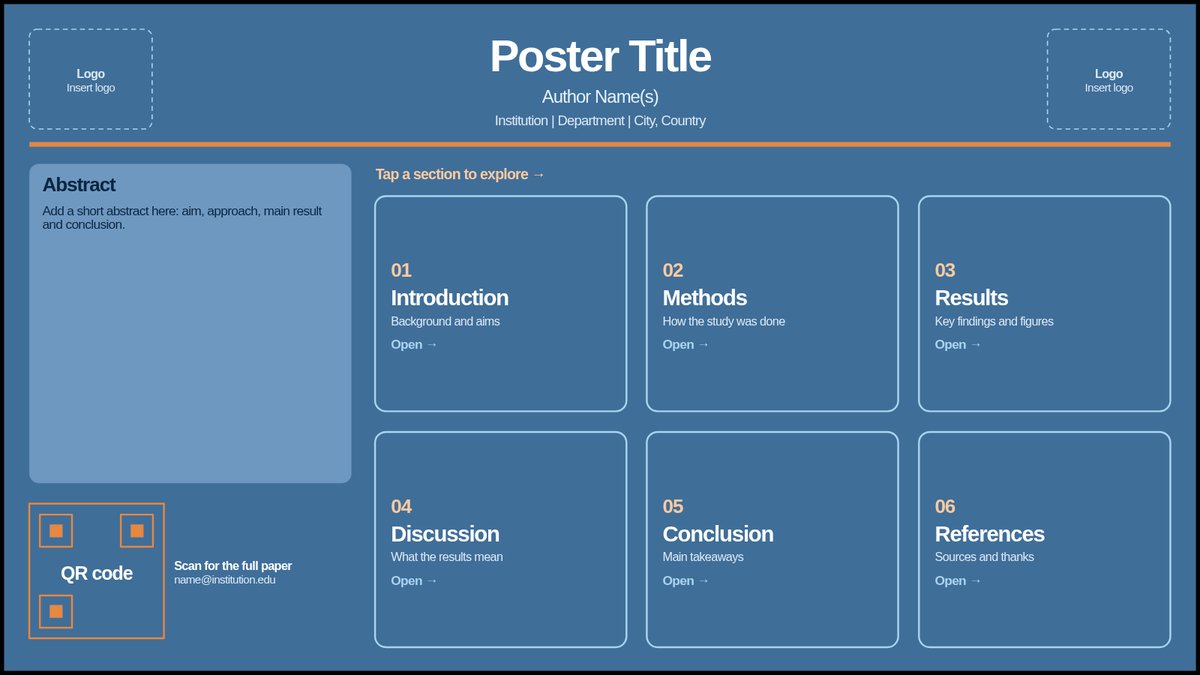
Interactive poster, layout A
An abstract and six section cards; tap a card to open that section.
PowerPoint, 40.97 × 23.04 in
Download template
Presenter Support / Templates
Download PowerPoint ePoster templates for conference presentations. Choose a layout that fits your content, then customize it for your poster session.
Featured templates
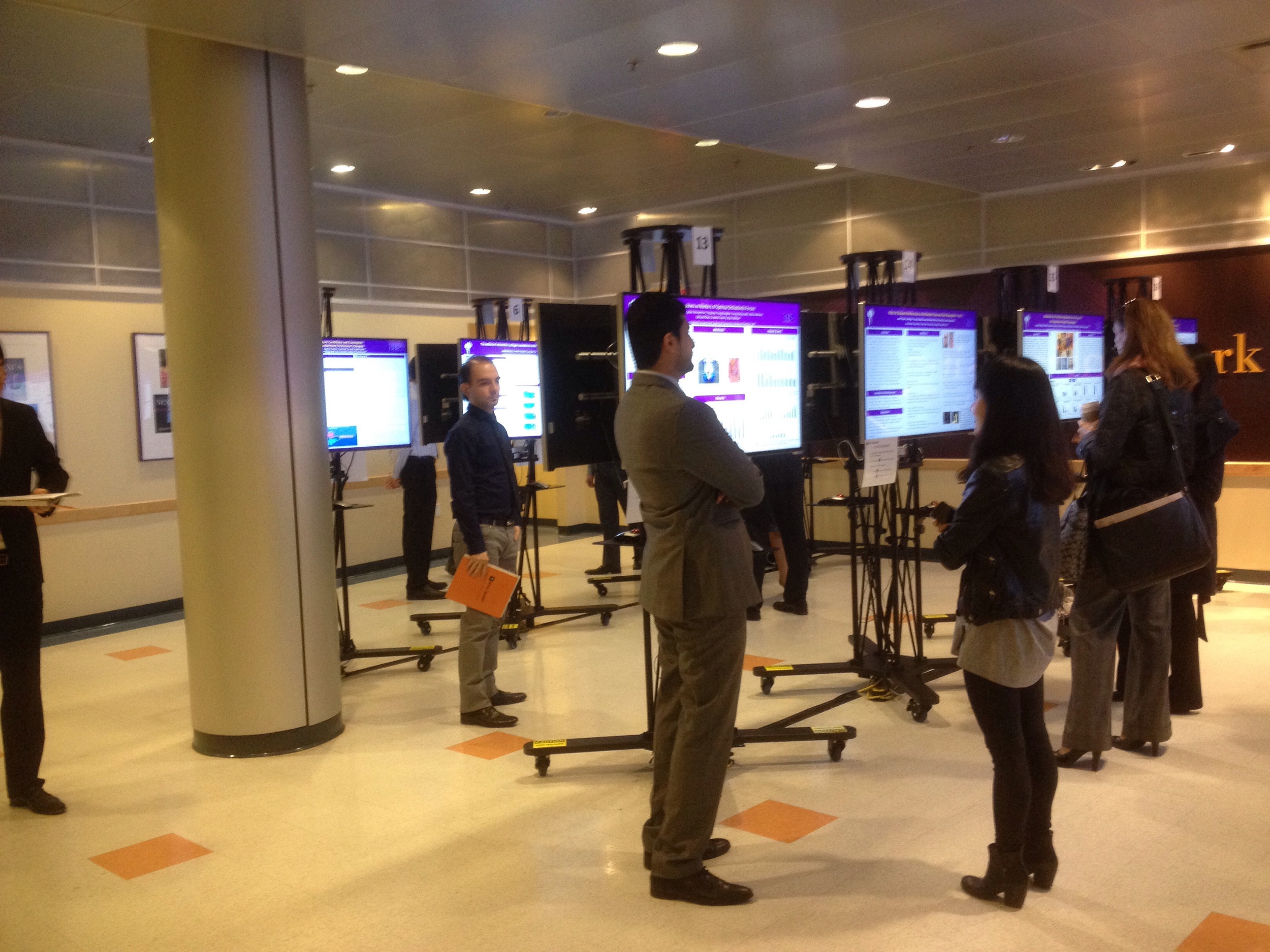
49 inch widescreen monitors
Our displays are 49 inch widescreen monitors.
Sized to our screens
The templates match our screens exactly, so what you see in PowerPoint is what you see on our monitors.
Fonts that work everywhere
Use at least 28 pt text in Calibri, Arial or Times New Roman. They look the same on Mac and PC, which matters because our tablets run Windows.
A home screen of section cards. Viewers tap a card to jump straight to that part of your research, then tap Home to return. Best when people like to explore at their own pace.
Hyperlinks
An abstract and six section cards; tap a card to open that section.
PowerPoint, 40.97 × 23.04 in
Download template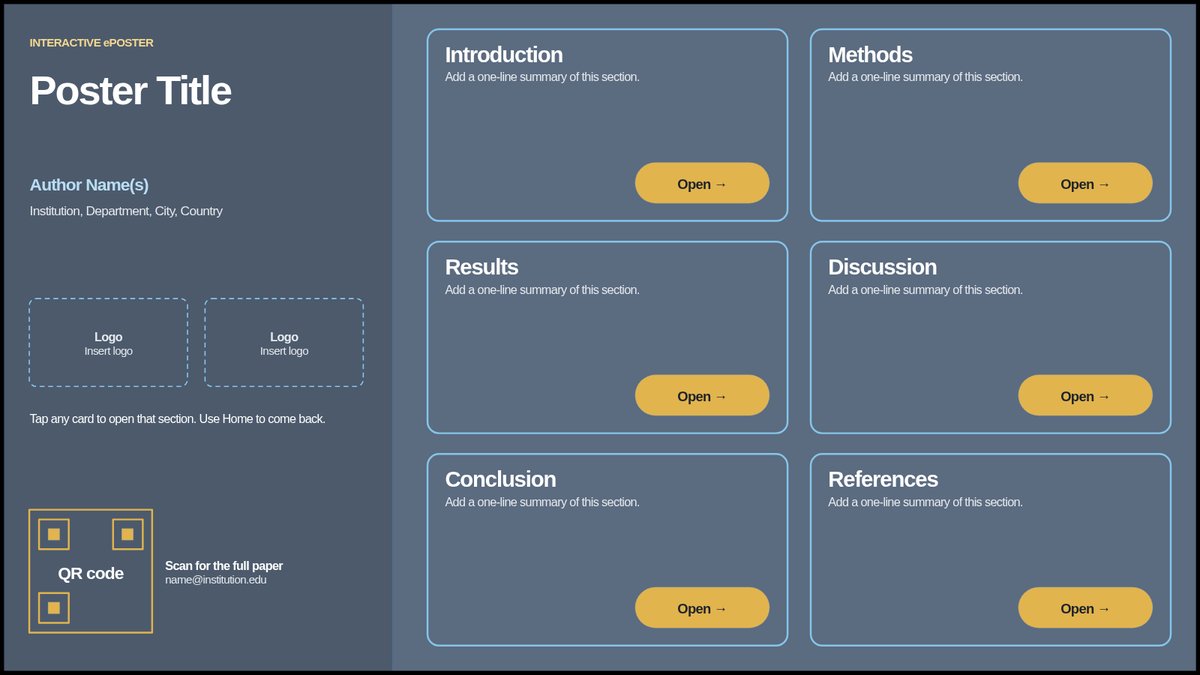
Hyperlinks
Six section cards with Open buttons and a Home link to come back.
PowerPoint, 40.97 × 23.04 in
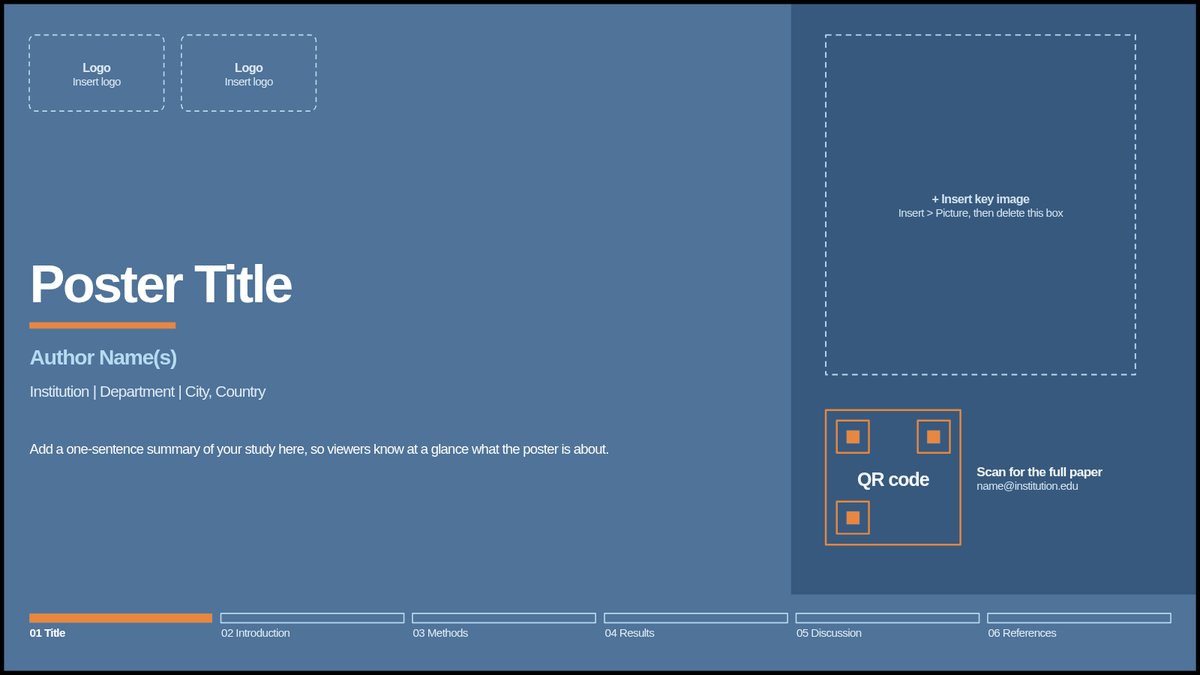
Download templateYour poster split into a short series of slides, one section per slide, that viewers move through in order. Best when you have more to show than fits on one screen.
Multiple slides
Six slides with a progress bar along the bottom so viewers know where they are.
PowerPoint, 40.97 × 23.04 in
Download template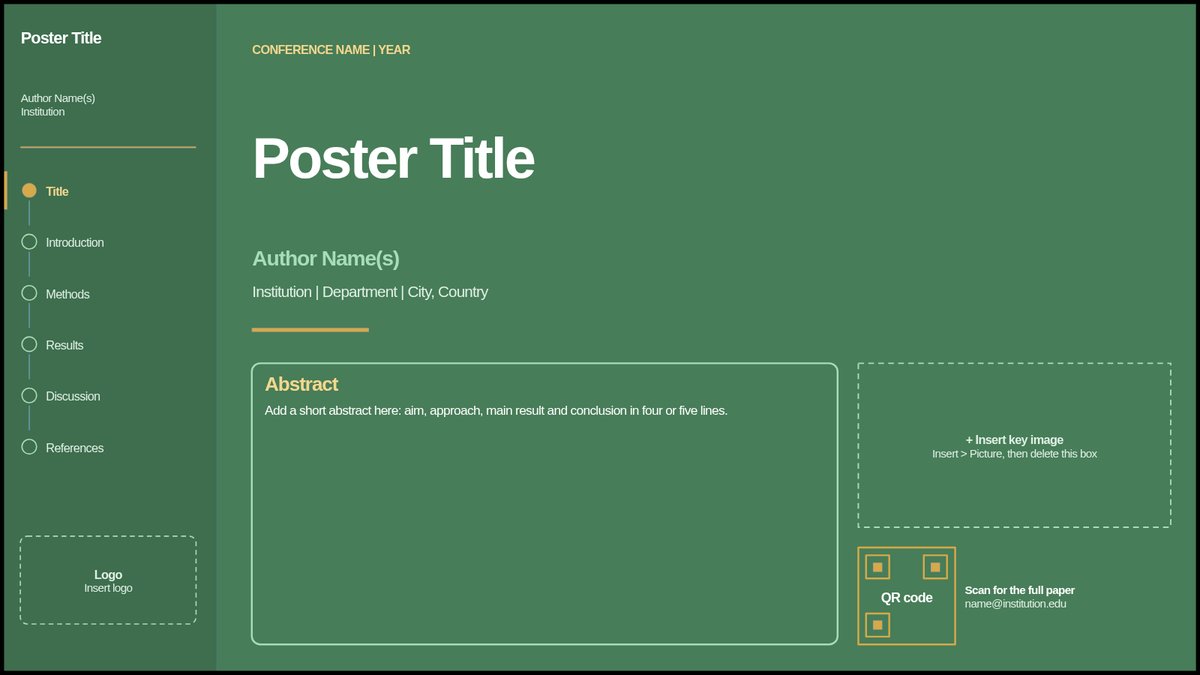
Multiple slides
Six slides with a side menu that lists every section of your poster.
PowerPoint, 40.97 × 23.04 in
Download templateEverything on one screen, just like a printed poster. Best for a simple, at-a-glance summary of your study.
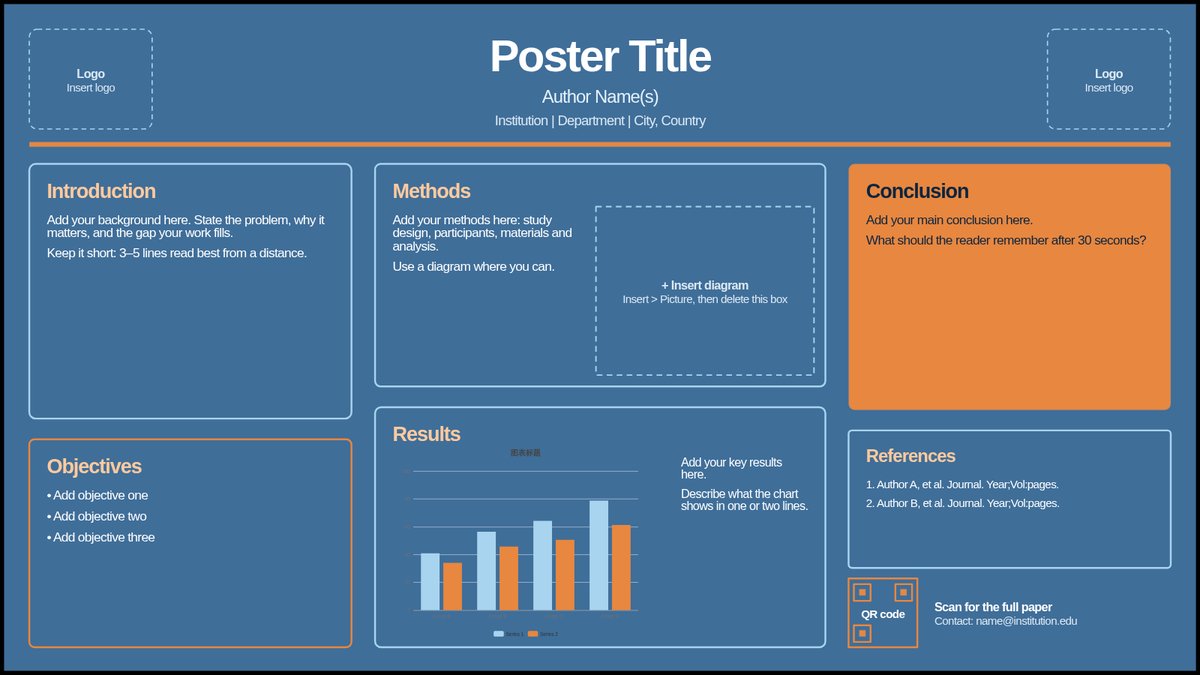
Single slide
One full-screen slide with room for every section, a results chart and a QR code.
PowerPoint, 40.97 × 23.04 in
Download template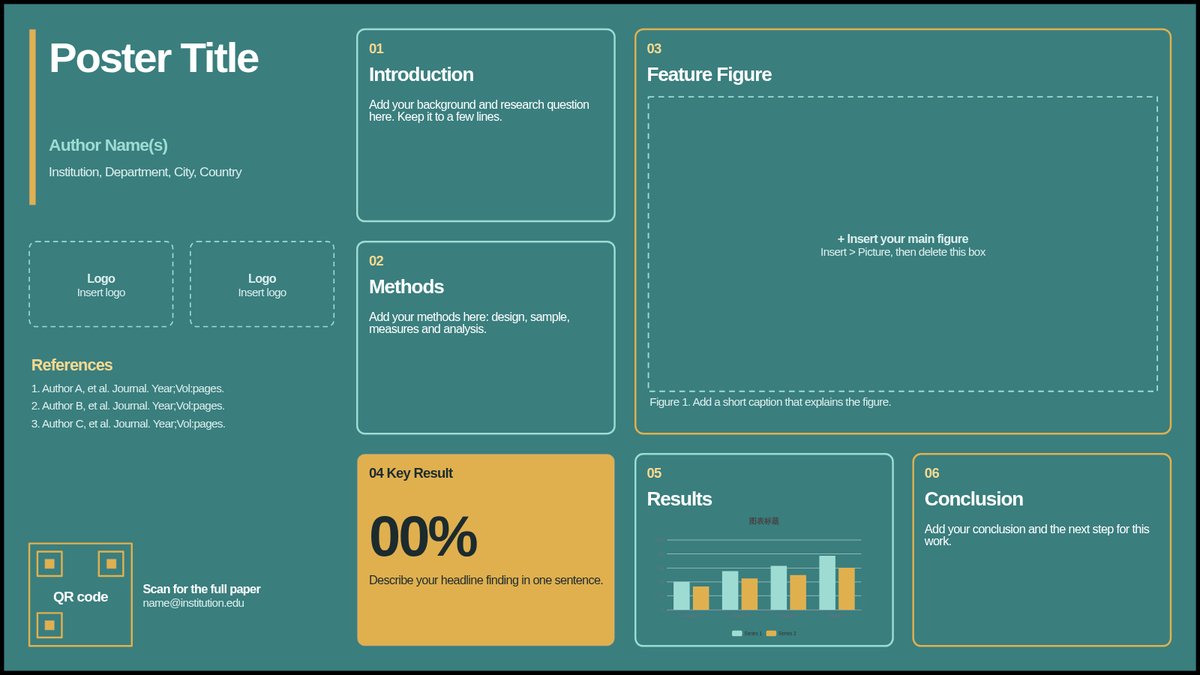
Single slide
One slide built around a large feature figure and a key result callout.
PowerPoint, 40.97 × 23.04 in
Download template