Bring your own device
Presenters connect their own laptop, console or device to show live demos, design work or private files.
A La Carte Services / Event Digital Signage
For trade shows, vendor showcases and any event where what you show matters. ePosterBoards brings the screens, manages the content and runs everything on site, so your sponsors, vendors and exhibitors look their best from the moment doors open.
Two kinds of event signage
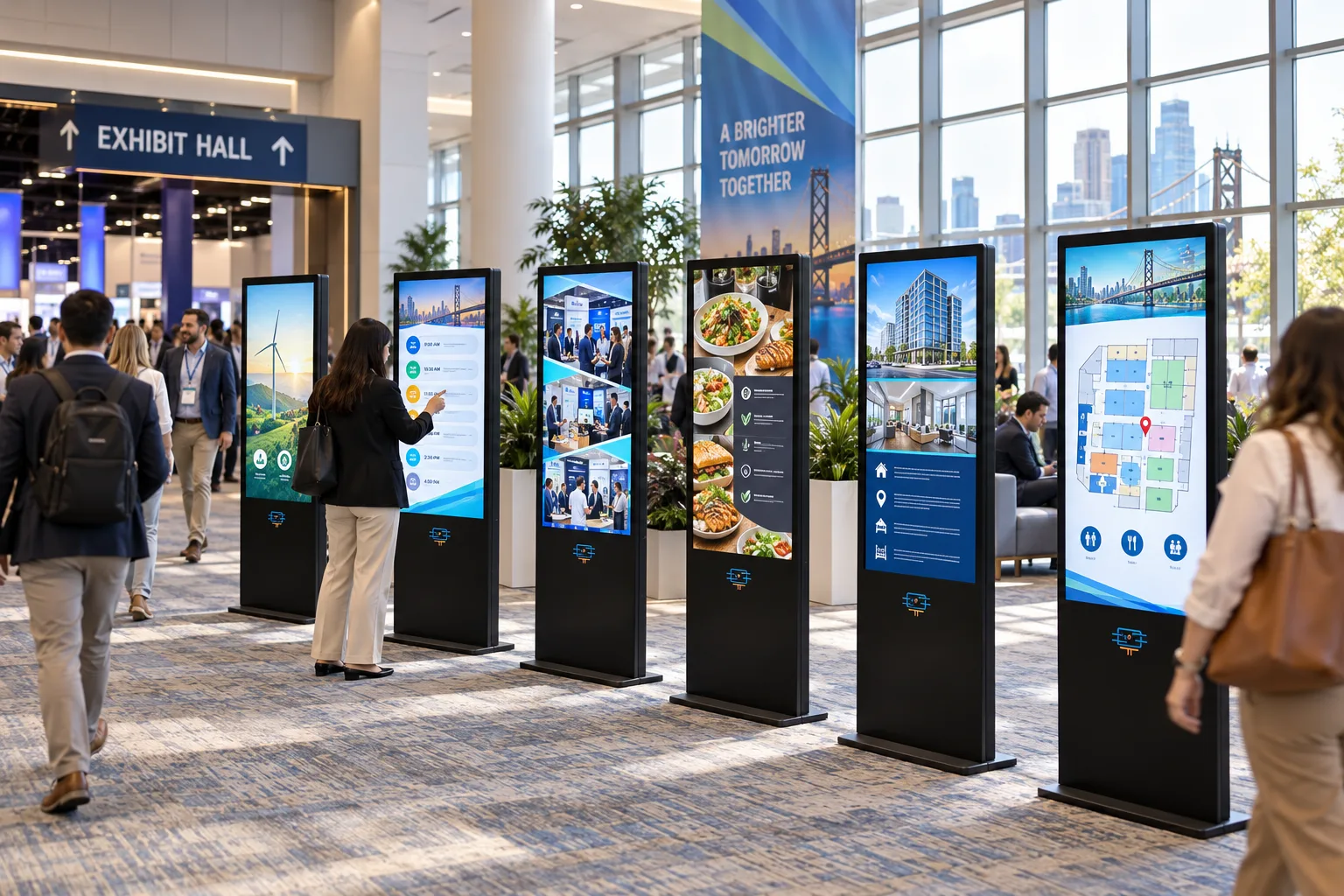
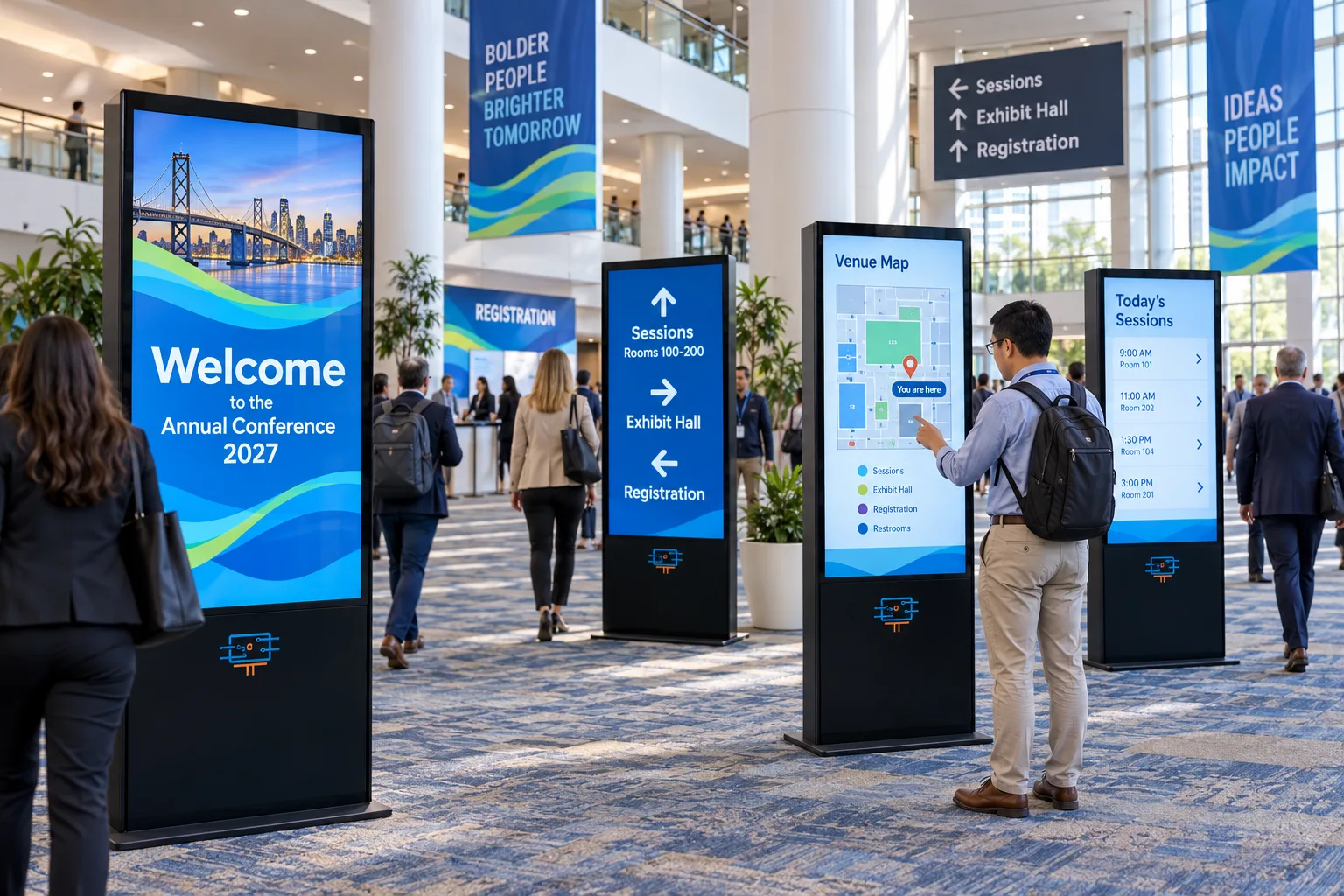
Signage & exhibitors
Welcome screens, directionals, venue maps, schedules, sponsor showcases and premium exhibitor booths.
See Luxury displays
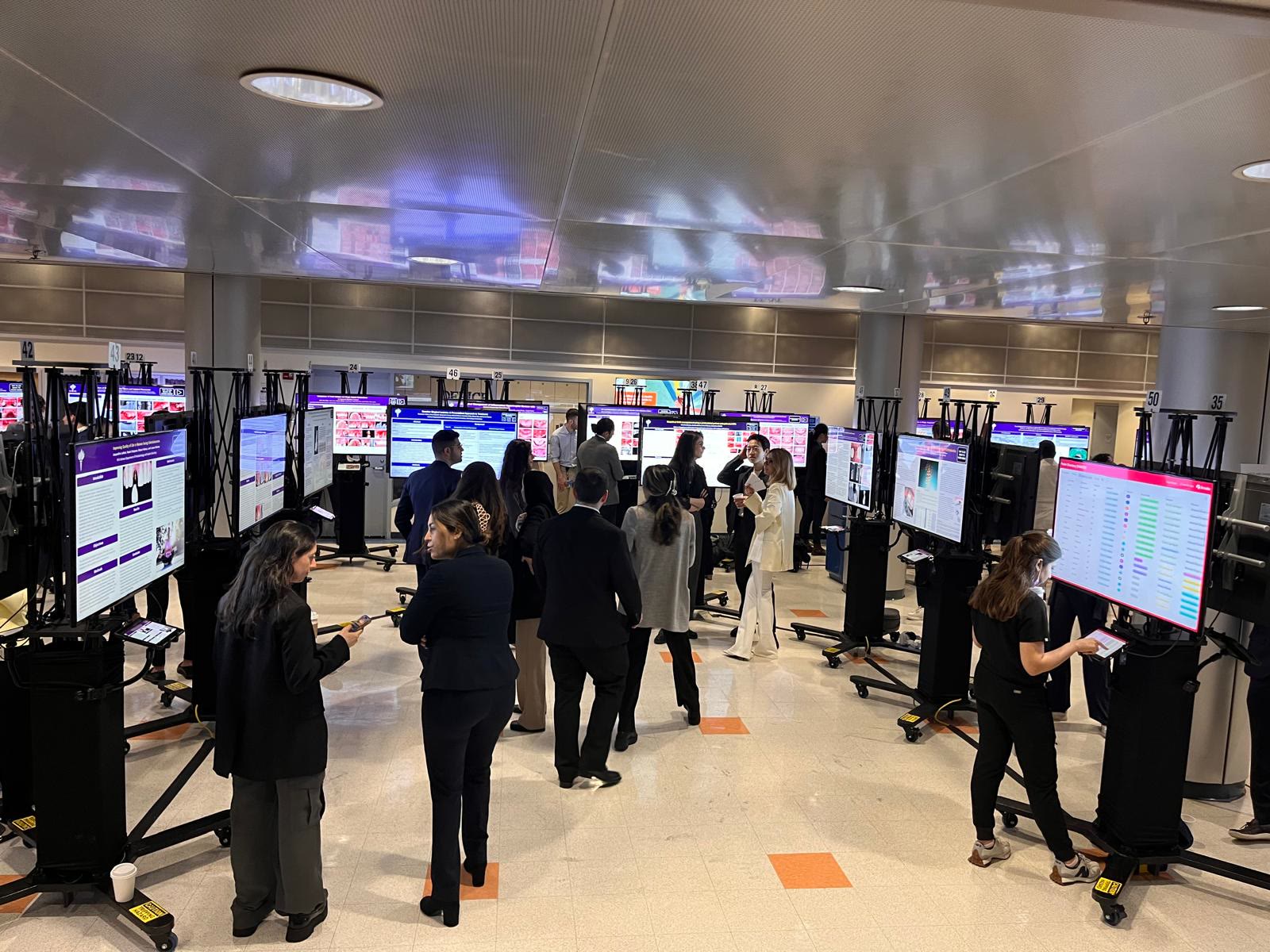
Vendor & presenter showcases
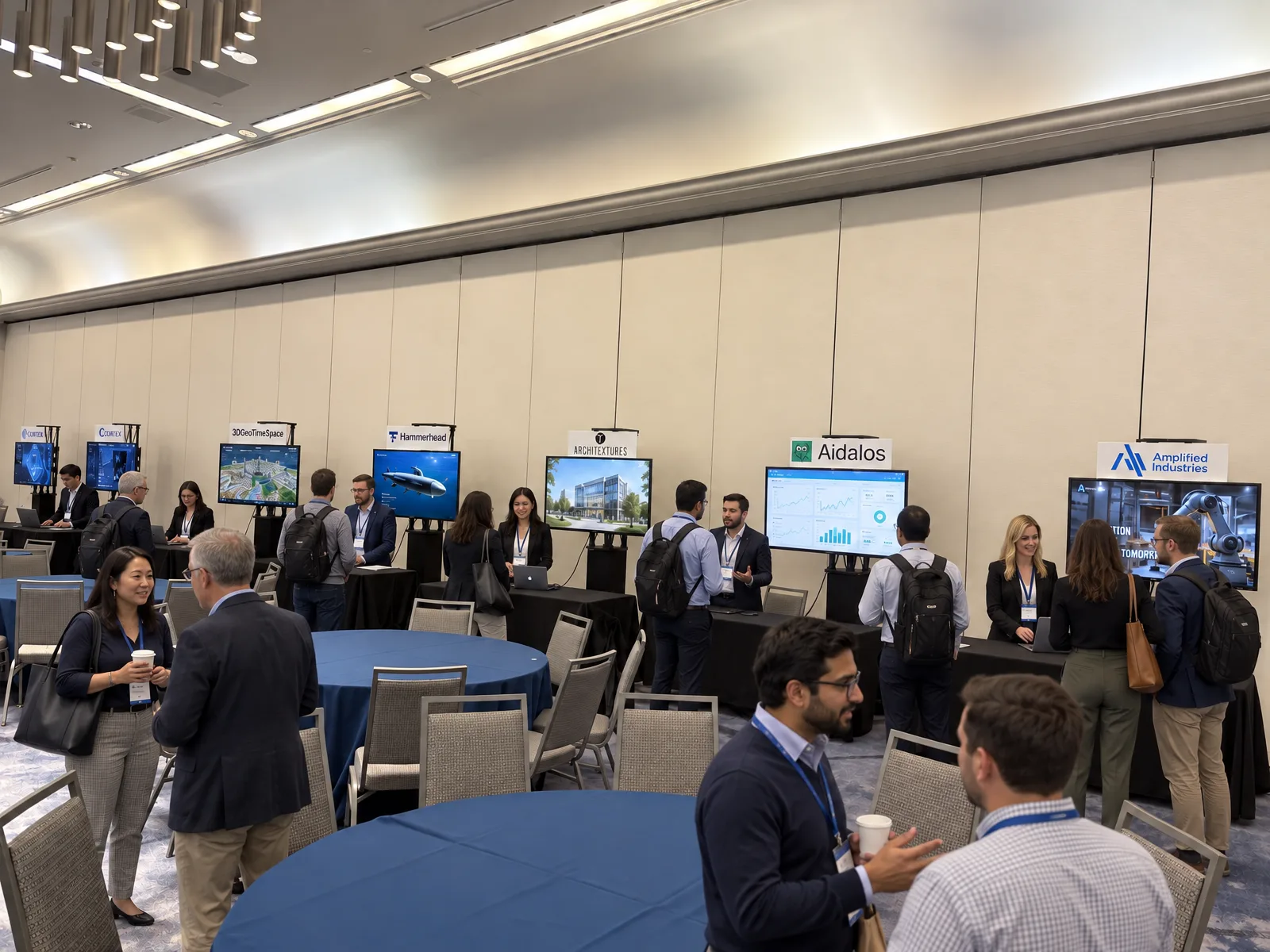
Gaming, website design, 3D printing and tech events where presenters connect their own devices, plus room signs and sponsor loops.
See standard units
New
Luxury Interactive Touchscreen Displays
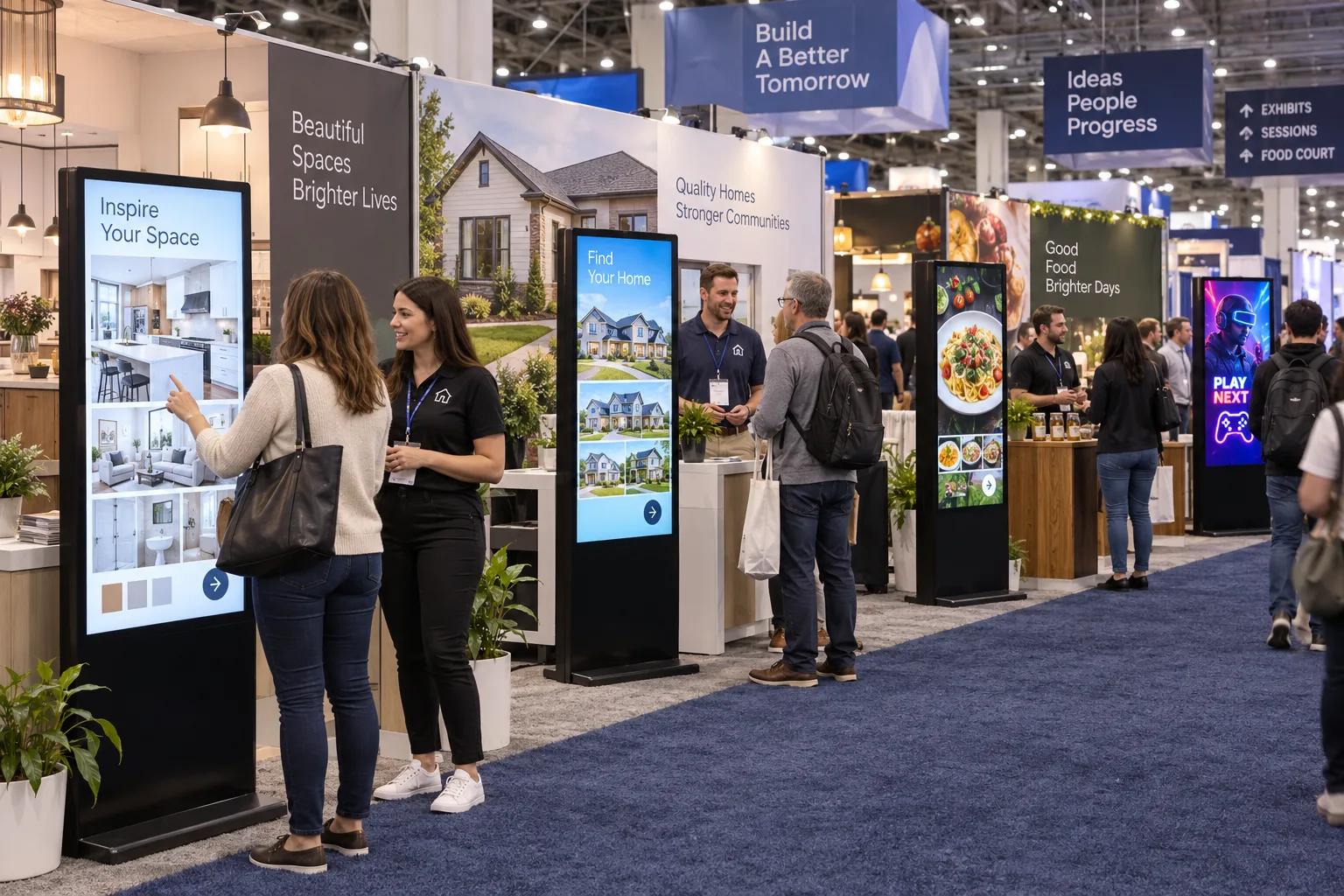
ePosterBoards standard units
Popular with events where presenters bring their own devices:
Presenters connect their own laptop, console or device to show live demos, design work or private files.
Product photos, videos and price lists at each table or booth, loaded by our team.
Room names, session times and speaker details outside every room.
Sponsor loops, welcome messages and announcements at registration and in lounges.
Why go digital
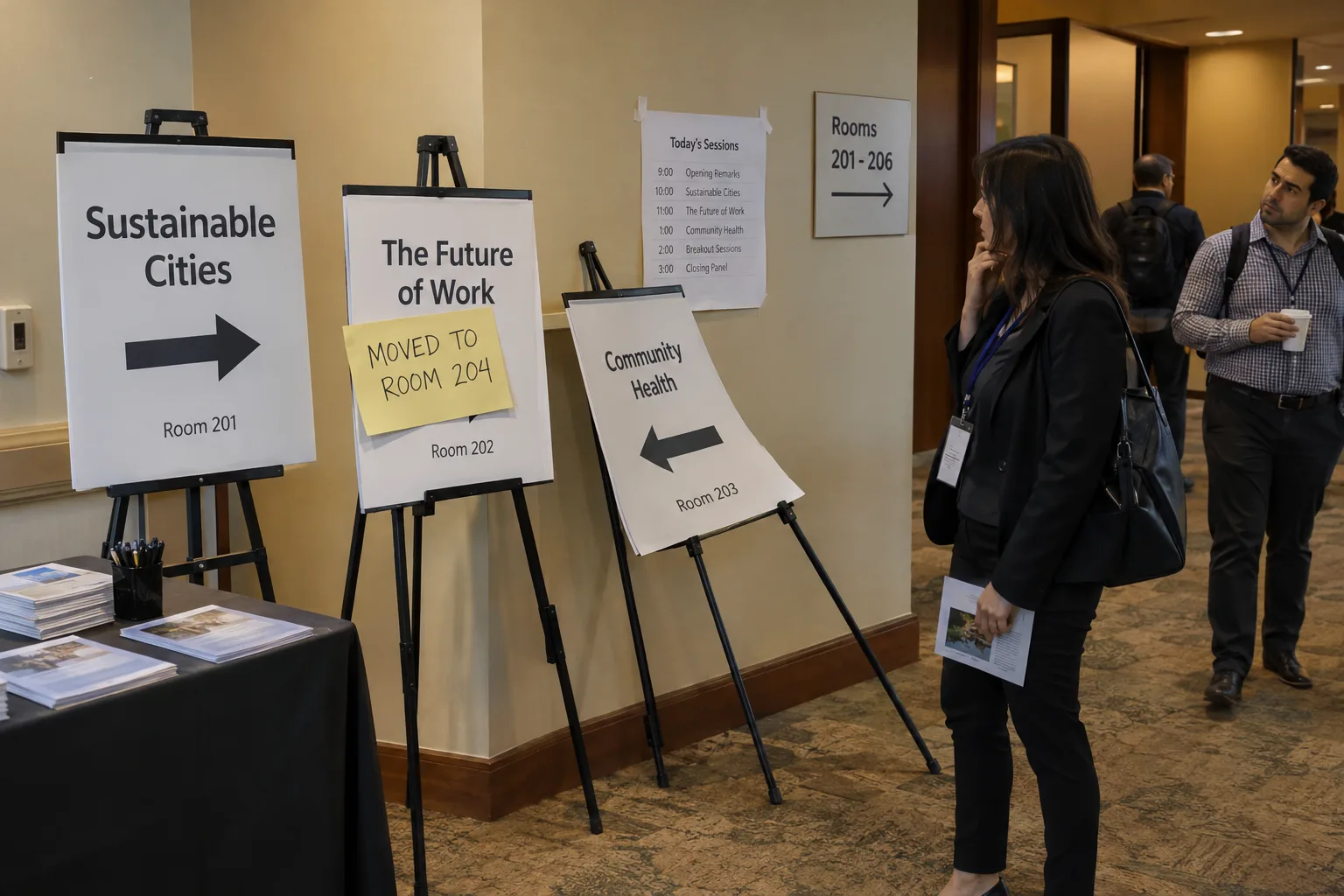
Easels & paper signs: Printed weeks ahead, so a room change means a handwritten note taped on top.
ePosterBoards digital signage: Room, time and speaker changes go up in minutes, on every screen.
Easels & paper signs: Easels crowd hallways, lean, bend and get knocked over.
ePosterBoards digital signage: Sturdy, floor-standing displays that look as good at closing as at opening.
Easels & paper signs: One message per sign, and small print most people walk past.
ePosterBoards digital signage: Rotating schedules, maps, sponsors and announcements on one screen.
Easels & paper signs: A new set to design, print and ship for every event, then thrown away.
ePosterBoards digital signage: Update the content, not the sign. Nothing to reprint.
Easels & paper signs: Static: attendees can look, but not search, tap or explore.
ePosterBoards digital signage: Interactive: attendees tap for maps, directions, schedules and sponsor info.
Sponsor packages
Most giveaways are an afterthought: handed out, packed away and forgotten. Digital content that attendees can interact with and learn from is a far more effective way for sponsors to market themselves.
Typical sponsor giveaways: Tote bags, flyers and trinkets that end up in a drawer or the trash.
Interactive sponsor screens: A screen attendees choose to stop at and explore.
Typical sponsor giveaways: An afterthought: picked up on the way past, rarely looked at again.
Interactive sponsor screens: Attendees tap through videos, products and demos to learn about the sponsor.
Typical sponsor giveaways: A logo, and little room to say what the sponsor does.
Interactive sponsor screens: Room for the full story: products, case studies, offers and contact details.
Typical sponsor giveaways: The same item for every attendee, ordered weeks in advance.
Interactive sponsor screens: Content that changes during the event, like daily specials or booth giveaways.
Typical sponsor giveaways: Shipping, storage and leftovers after the show.
Interactive sponsor screens: Nothing to ship or store. We load the content and run the screen.
01
Offer a sponsored screen in one or more sponsorship tiers.
02
You sell the package and keep the sponsorship funding.
03
Sponsors send their marketing files to our team.
04
We load, run and update their screen onsite.
Who it's for
Real estate events
Cooking & food demos
Boat shows
Car shows
Luxury product events
Interior design, construction & builder conferences
Food & beverage shows
Web, tech & gaming events
Vendor showcases, expos & marketing events
Why ePosterBoards
A typical AV rental: Screens are delivered, and getting content onto them is up to you.
ePosterBoards: We collect, format and check every file so it looks right on our screens.
A typical AV rental: Each exhibitor or sponsor chases the AV crew for their own files.
ePosterBoards: One content team gathers everything, from your sponsors, vendors and exhibitors.
A typical AV rental: Last-minute changes wait for whoever is free.
ePosterBoards: Our onsite team knows your content and makes approved updates during the show.
A typical AV rental: General equipment for every kind of event.
ePosterBoards: Display hardware and software built for showcasing visual content, with multiple presentations on each screen.
A typical AV rental: Technicians who set up and leave.
ePosterBoards: A help desk on site for the whole show, then breakdown by the same crew.
Boston based, with 14 years and more than 1,500 events behind us.
What you can show
Logos, product photos, portfolios and videos that rotate on each screen.
Vendor maps, booth directories and "you are here" screens at entrances.
Demos, tastings, panels and stage times, updated when plans change.
Welcome messages, giveaways, raffles and sponsor spotlights.
Project walk-throughs, game trailers, recipe videos and listing tours.
Several sponsors or exhibitors share a screen, so each display works harder.
Content management
We review your floor plan, venue, power and internet, and decide what goes where.
Sponsors, vendors and exhibitors send their files to one place, with clear specs and deadlines.
Our team sizes, orders and checks every file, and builds the rotation for each screen.
You review the lineup before the show. Nothing goes up without your approval.
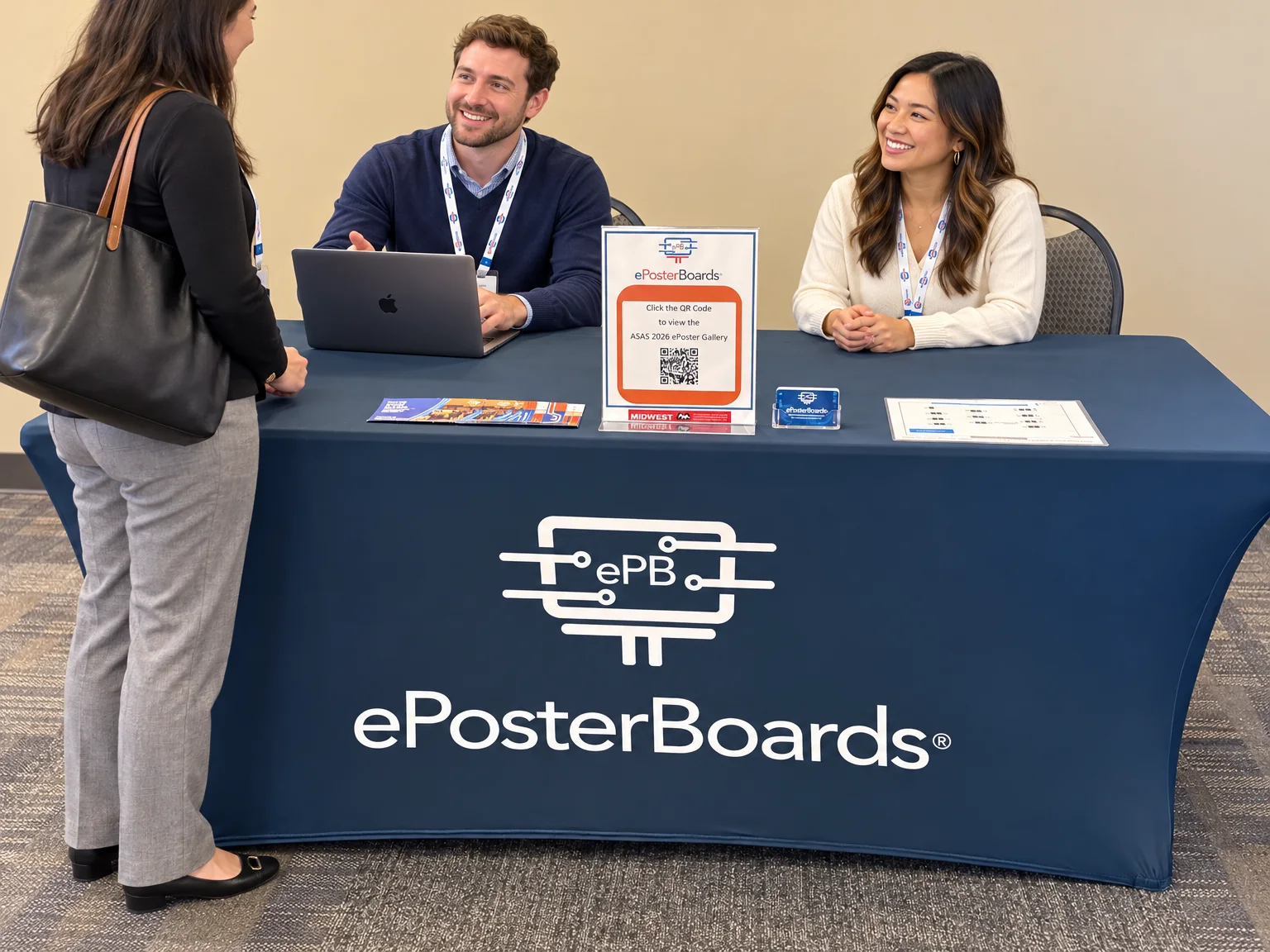
Onsite services package
Included in every package:
We run the content on every screen and switch schedules, room signs and sponsor rotations as each session ends and the next begins.
Technicians on the floor fix screen, content and connection issues on the spot, and make sure presenters' and vendors' devices connect to our equipment.
A staffed resource for attendees, exhibitors and sponsors, open all event long.
Our staff help attendees find the right rooms, sessions, booths and exhibits.
During changeovers we direct foot traffic, update signs and help keep rooms on schedule.
Room changes, last-minute updates and the tasks that pile up on show day, so your team can focus on running the conference.
Tell us about your event, your venue and how many sponsors, vendors or exhibitors you're showcasing. We'll put together a quote for screens, content and onsite support.