

Welcome to the 18th Annual Scale Expo 2026 Poster Presenter Community Site!
What can you do on the community page?
click on each photo to jump to the corresponding section





Overview
In order to be prepared for the research expo, students will want to make sure they complete all of the steps in the following checklist:
Fill out the project information survey by Tuesday, December 16th, 2025 at 12:00 PM Noon (EST) deadline.
Download the Poster Template for YOUR program and setup up YOUR static poster and poster recording.
Submit both files by Thursday, January 8th, 2026 at 11:59 PM (EST) deadline.
Checklist of items to complete
click on each photo to jump to the corresponding section
Review
SUBMISSION DEADLINE
Deadline for students to submit final poster:
Thursday, January 8th, 2025 @ 11:59 PM EST (Boston, MA, USA Time)
CLICK AND UPLOAD YOUR POSTER BELOW
DOWNLOAD YOUR PROGRAM’S TEMPLATES
Students must share their draft Poster and Title with their advisor and company sponsor. Poster title must be approved by all parties prior to submitting. The poster title does not need to match the final paper title to be submitted in May.
*Submitted information includes:
Final poster title (absolutely no changes allowed after survey form submission on December 16th)
Project Categories (indicate primary category and 1 or 2 additional categories)
A 2-3 sentence Executive Summary describing the project
Note: Only ONE survey response per team and ONE final poster submission upload per team. Students should coordinate within their team to identify which team member is responsible for submitting the survey and uploading the final poster.
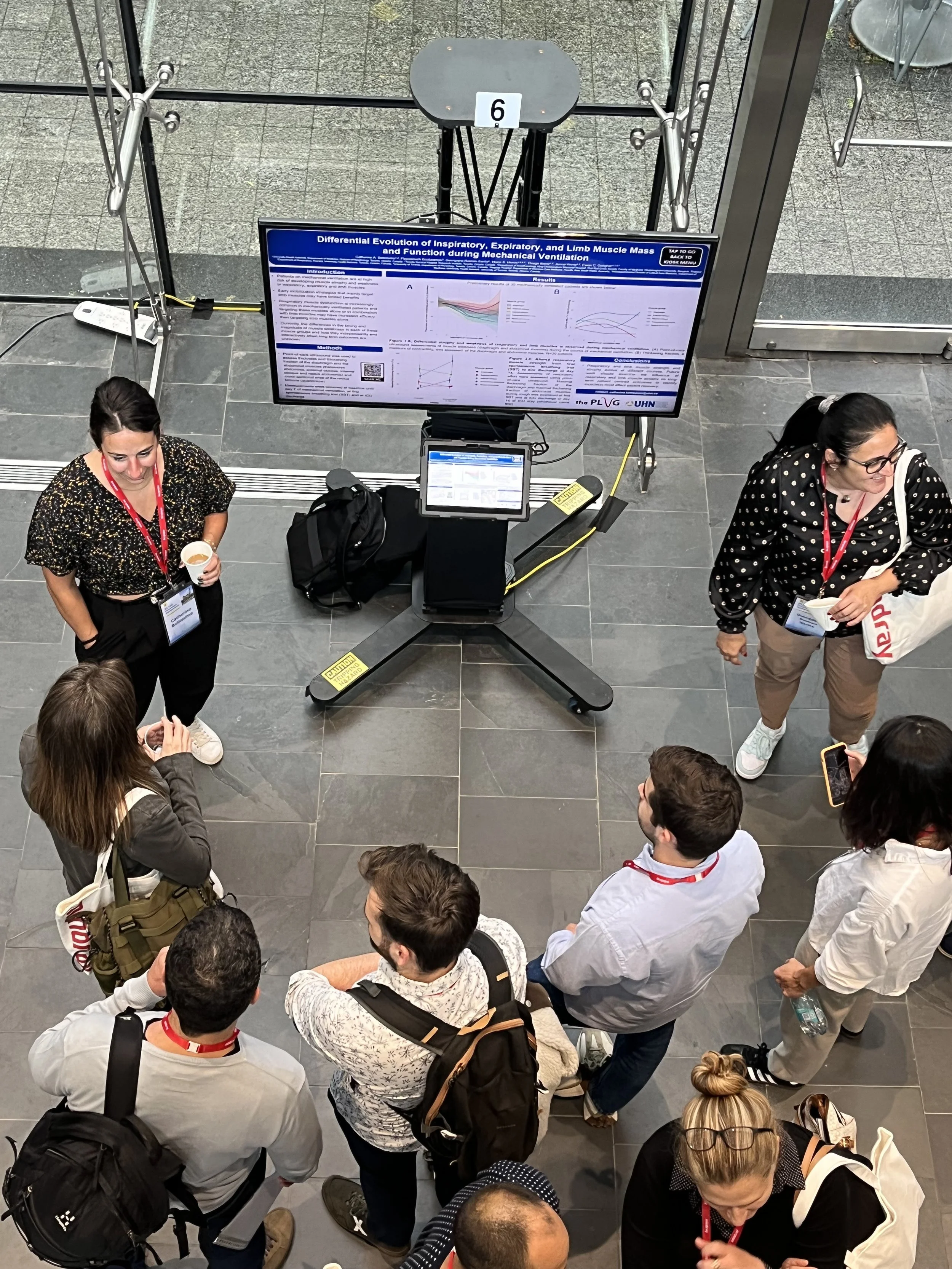
What is an ePosterBoard?
A digital platform that consists of a 48-inch flat panel monitor, a stand, a touchscreen Surface tablet, and assorted cables used to display and share electronic posters.
Guidelines
Click on the Buttons below to download the guidelines

Formatting Guidelines
Click on the button to the left for additional ePoster formatting tutorial videos.
Slide Size: width 40.97” x height 23.04”
Font Size: 28 pt or larger
Save file as Poster#.Poster Group Name
Event Details/ Agenda:
Date/Time:
Thursday, January 22nd, 2026
4:00pm - 7:30pm EST
Venue: The poster session will take place at: MIT Samberg Conference Center,
50 Memorial Dr, 7th Floor, Salons M, I, T, Cambridge, MA USA
Check in at ePB help desk:
(C) Group presenters - 2:00-2:40pm
(B) Group presenters - 2:40-3:20pm
(A) Group presenters - 3:20-3:40pm


Technical Webinar
View the pre-recorded technical webinar to learn the steps in creating your ePoster, formatting guidelines, and how to submit your ePoster. After reviewing the video, please follow the steps below on creating and submitting your ePoster.
ePoster Templates
1. Choose an ePoster Template:

GCLOG Template

MSNN Template

MNSCM Template
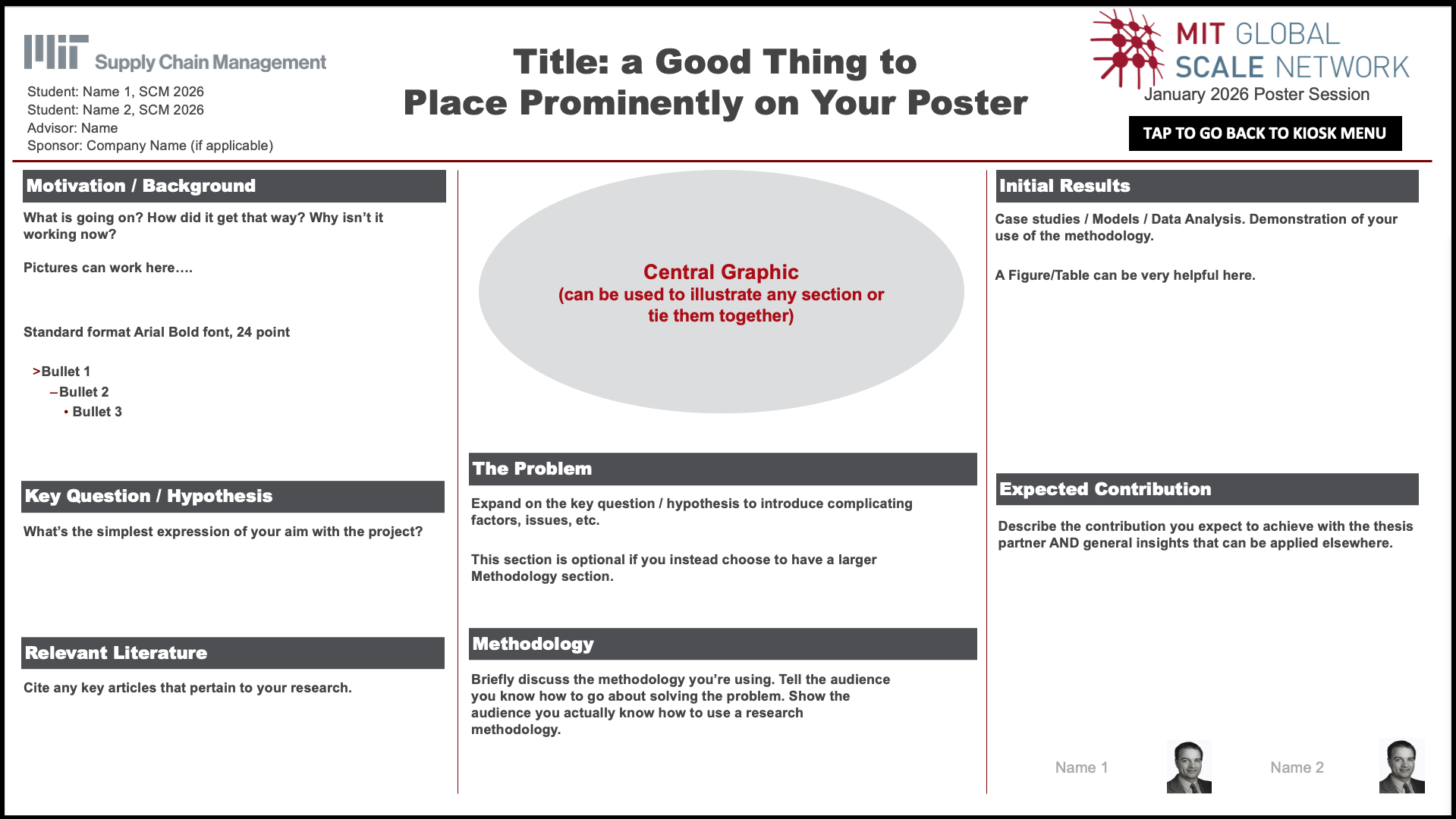
SCM Template
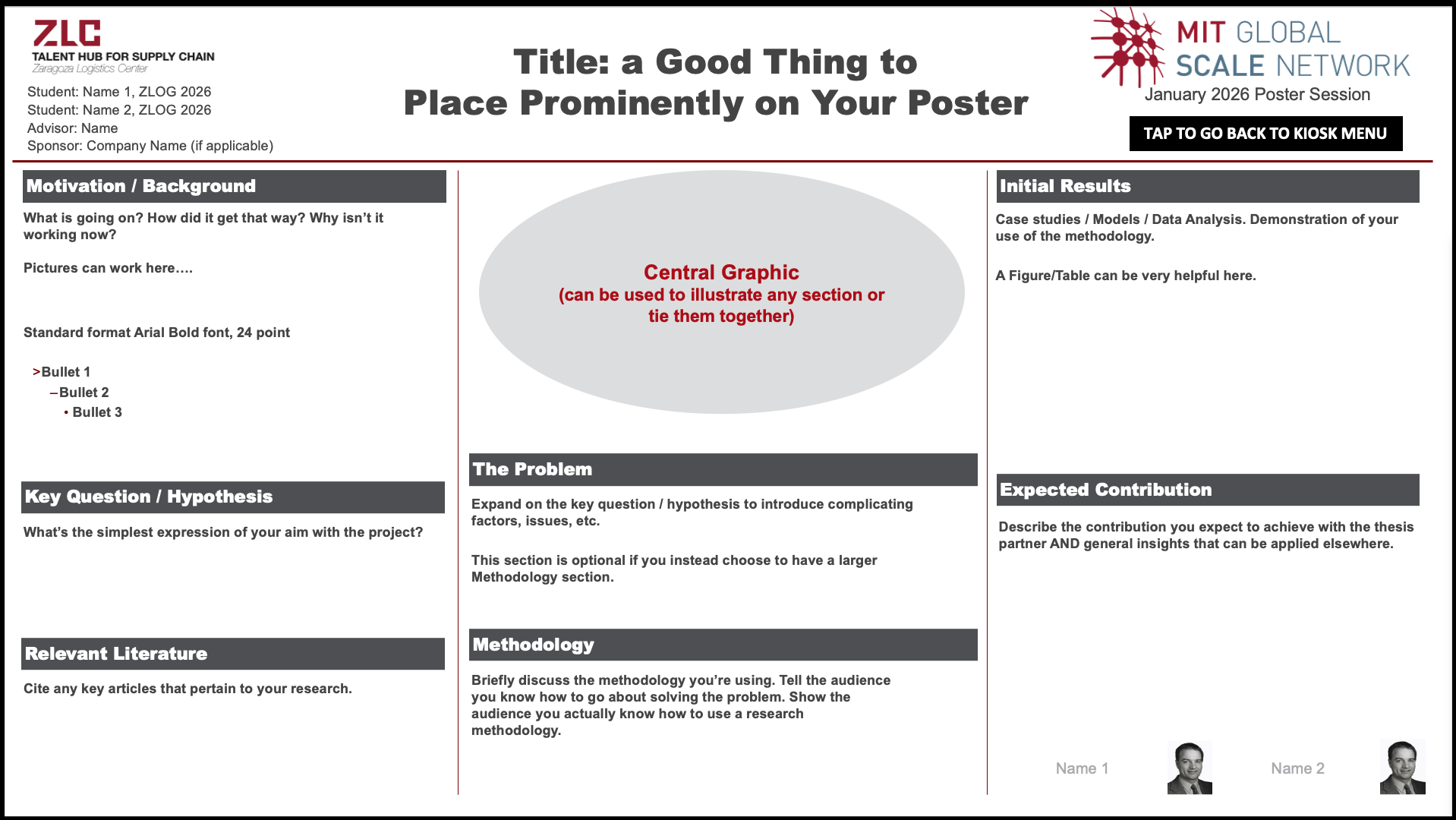
ZLC Template
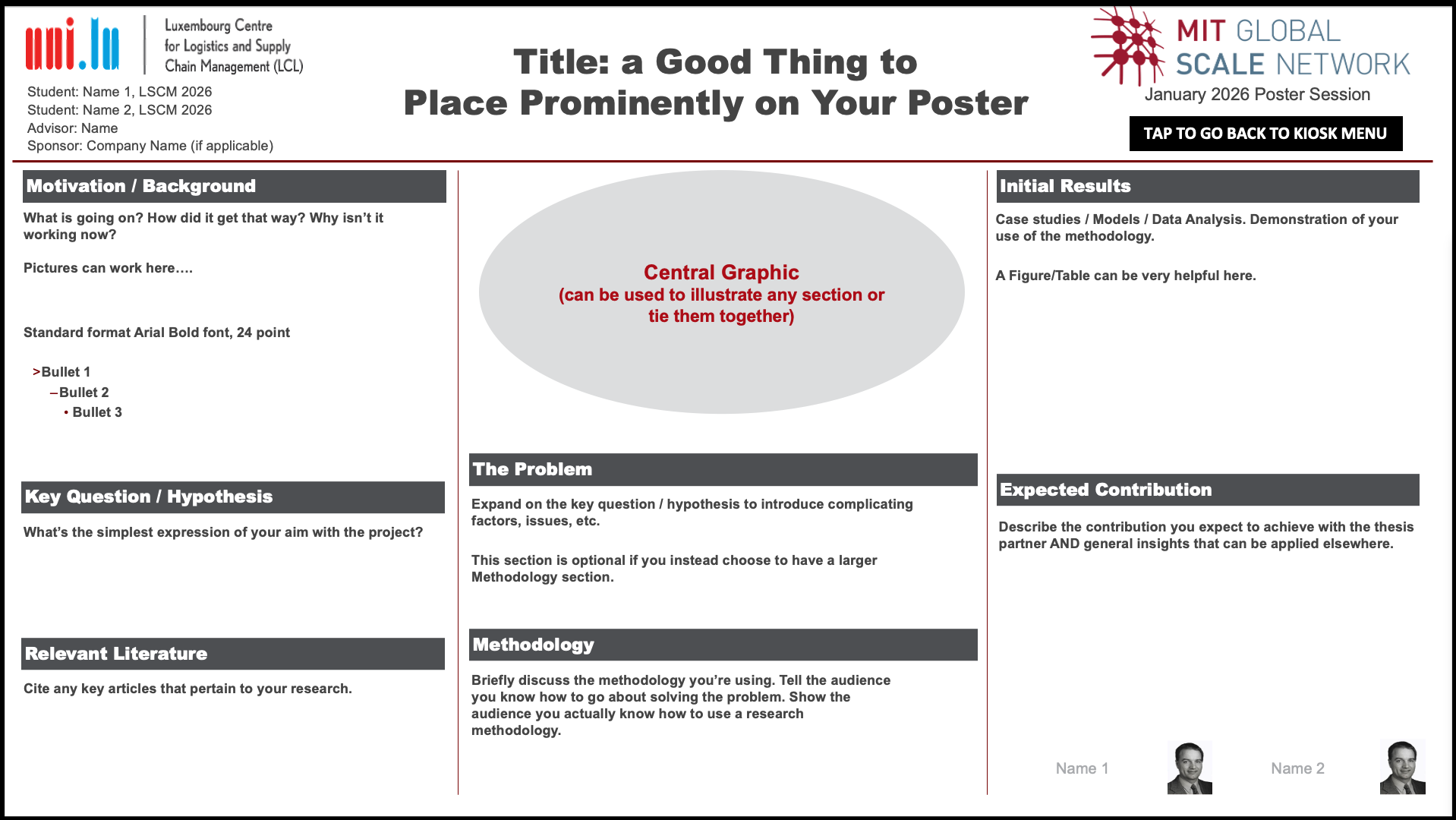
LCL Template
Submit
Description:
2-3 minute video presentation to introduce the project and summarize preliminary findings to date. The 2-3 minute video should be engaging - as if speaking to an audience - and emphasize the main takeaways, including applicability, innovation potential, and managerial insights of the project.
Please make sure video files are submitted as a .mp4, or .mov file
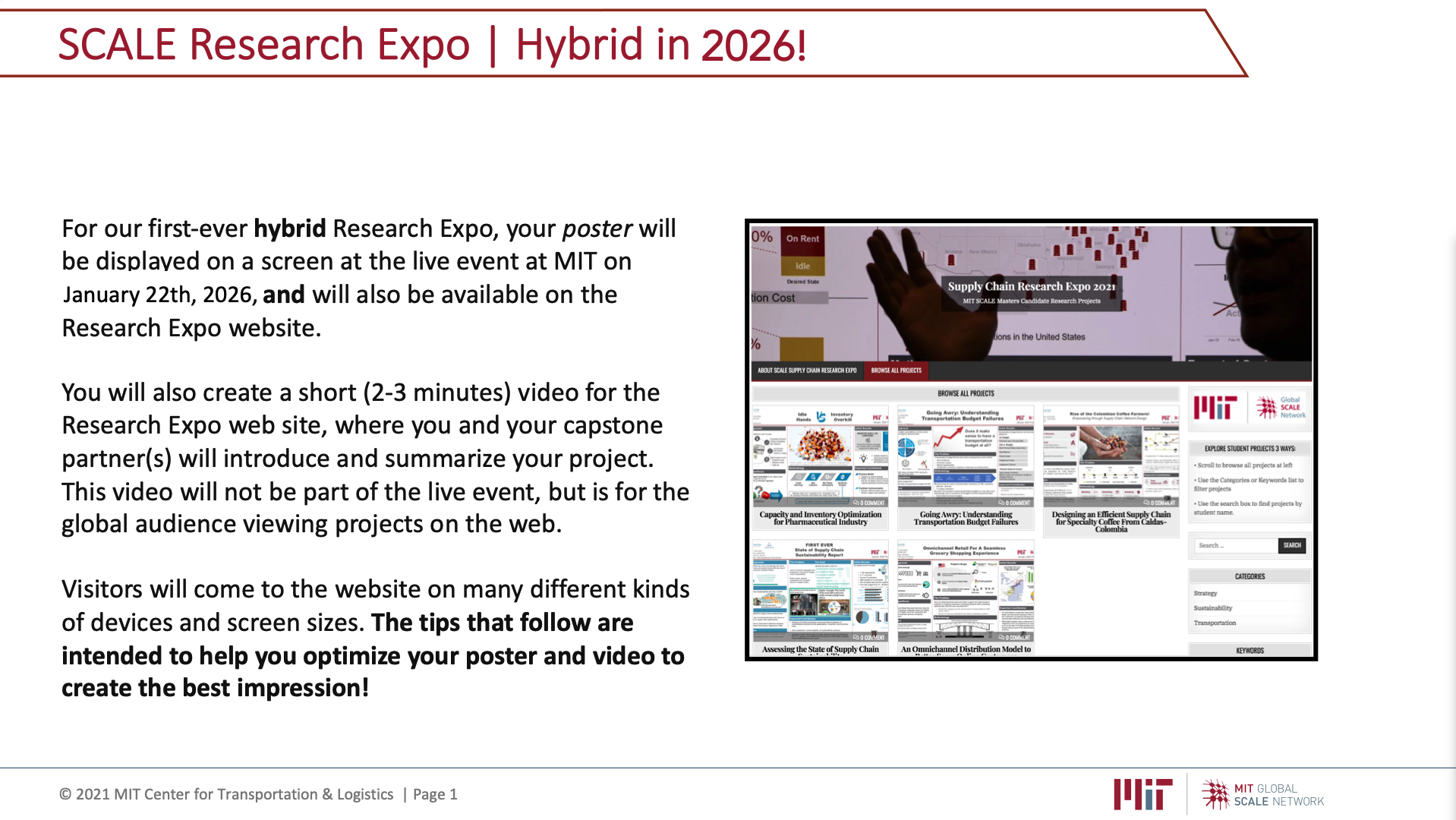
ePoster Video Tips
Whatever it is, the way you tell your story online can make all the difference.
Ready to Submit?
2. Follow Formatting Guidelines to ensure your poster meets the following requirements:
Submit Two Files:
Posters are due by: January 8th, 11:59 PM (EST)
Use the Orange Link to move to the Submission Website to Upload your File
Session Assignments
Find Poster Assignment
Click the black button to access the interactive poster assignment sheet and find your board number, session date, and time.
Prepare

ePosterboards Videos
Watch ePosterboards Videos
Watch ePosterboards Videos to learn how to format your ePoster and learn how to use an ePoster Template
Check-In at your assigned date/time:
Check-in at the Technical Support Help Desk during the following times:
(C) Group presenters - 2:00-2:40pm
(B) Group presenters - 2:40-3:20pm
(A) Group presenters - 3:20-3:40pm
Remember to submit your ePoster and Video to the deadline above.
Bring a backup of your ePoster on a thumb drive and e-mail.
Test your ePoster at your assigned station, if you are having difficulties, please let us know so we can help.
