
Welcome to the CORD Academic Assembly Poster Presenter Community Site!
Checklist of items to complete
click on each photo to jump to the corresponding section
Review
Click on the BUTTONS to view eposter guidelines AND INSTRUCTIONS


WHAT IS AN EPOSTERBOARD?
An electronic platform that consists of a 48-inch flat panel monitor, a stand, a touchscreen Surface tablet, and assorted cables used to display and share electronic posters.
Formatting Guidelines
Click on the tutorial videos button below for additional formatting support:

Formatting Guidelines
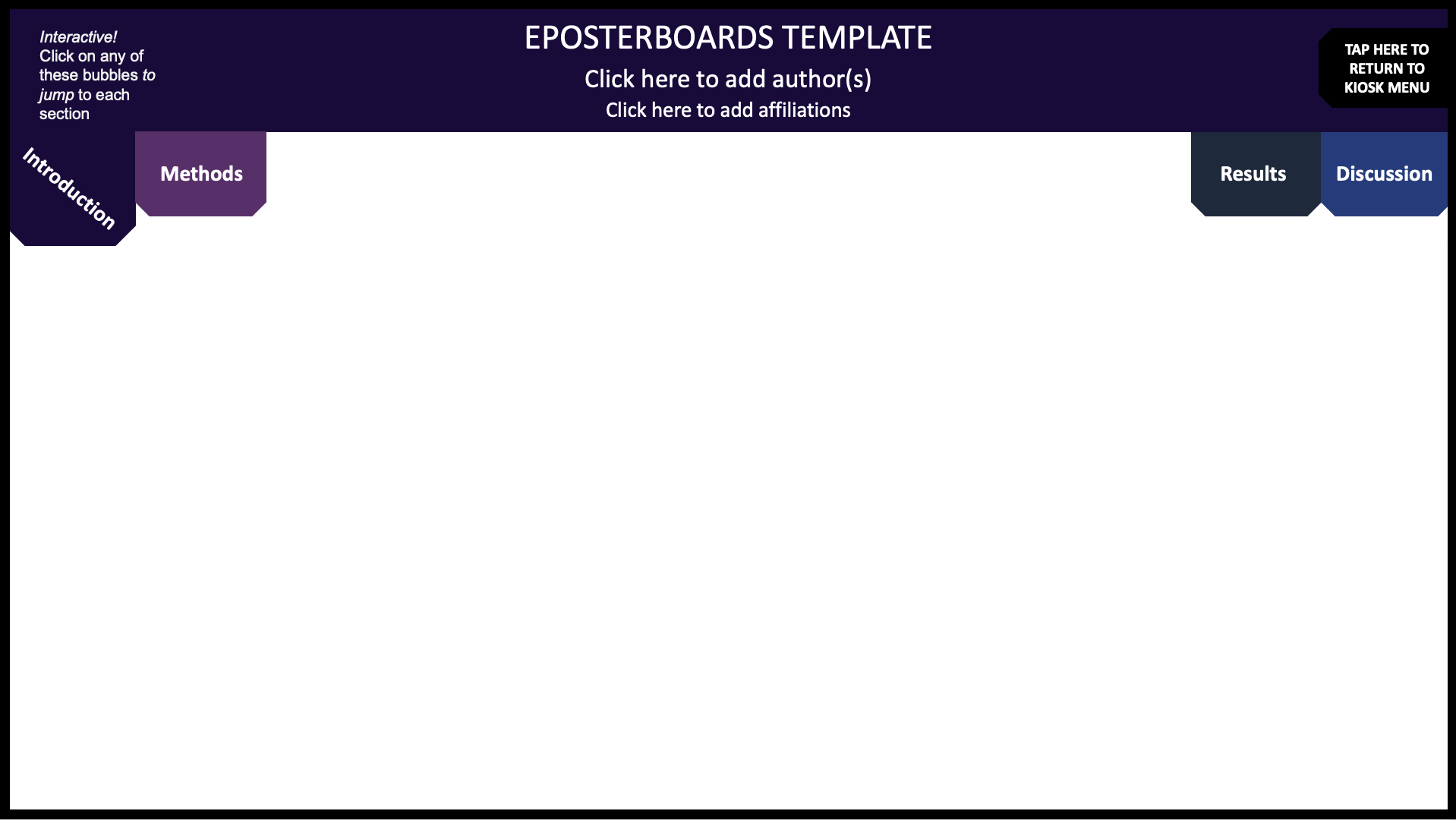
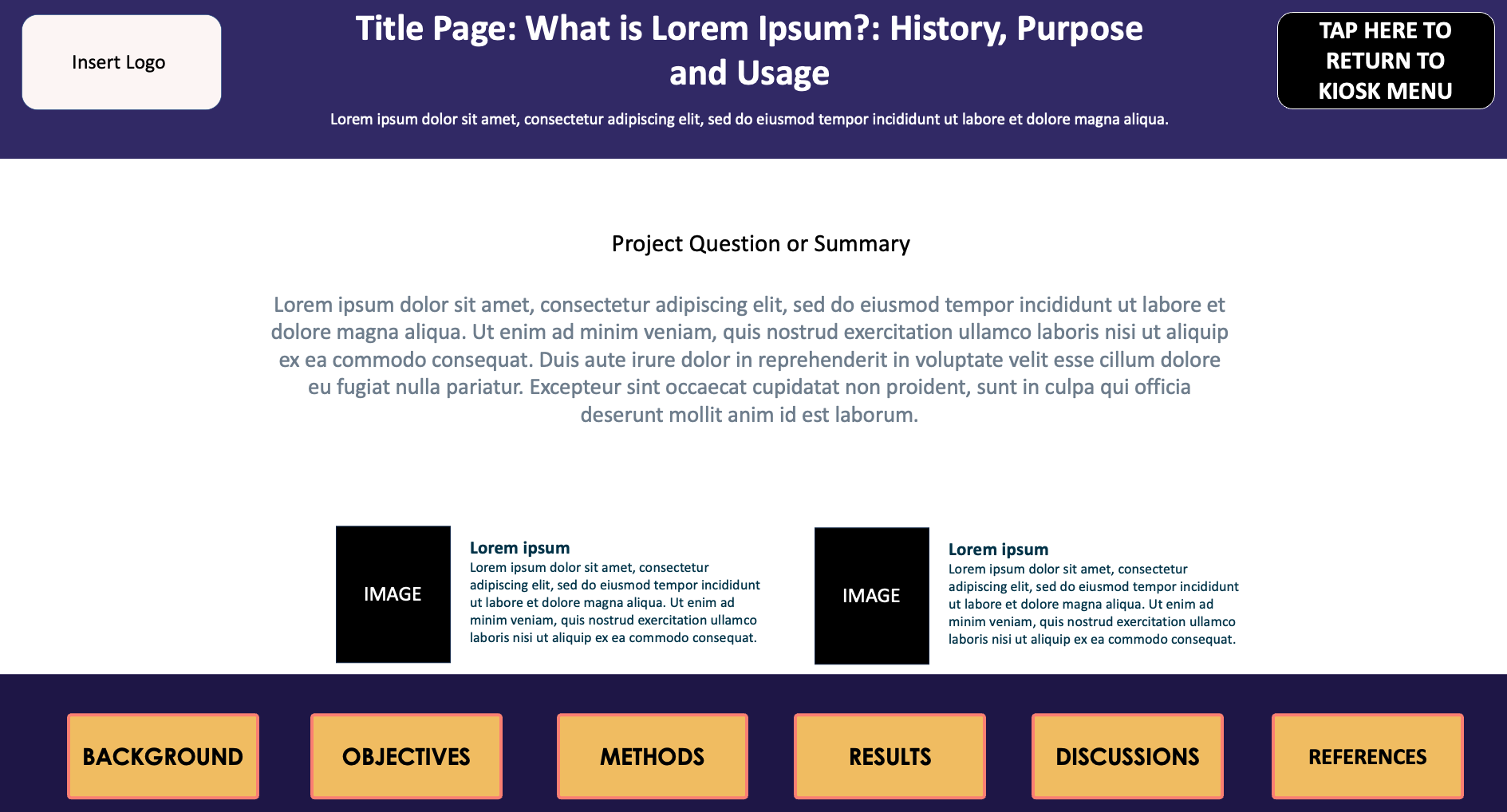
Choose an ePoster Template:
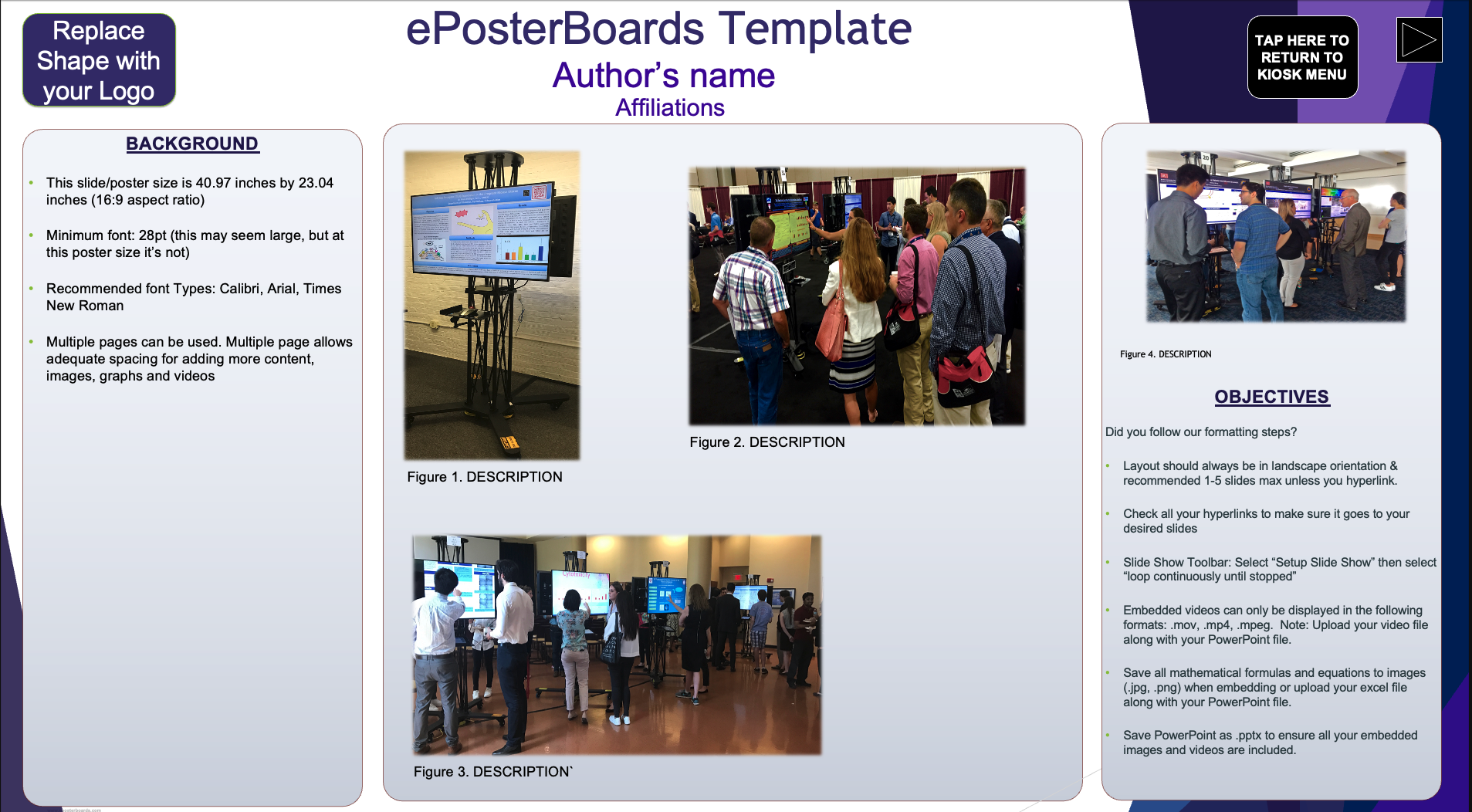
ePoster Session Details/Agenda
Date/Time: March 27th, 2026
Venue: Marriott Orlando World Center
8701 World Center Drfive
ORLANDO, FL 32821
Check in: 30 minutes before your assigned session
Presentation time: 10 minutes. Please make sure to note when your time slot is for your 10 minute presentation. You will be presenting your (.ppt or .pptx) ePoster file that will have to be submitted by February 26th at 11:59PM EST
Online Poster Gallery: After the event, your ePoster file will be posted on the online poster gallery.

MAKE THE MOST OUT OF YOUR EPOSTER PRESENTATION

Technical Webinar
Watch to learn the latest tips and tricks for creating your ePoster presentations.
The Webinar covers the following information:
-ePoster Templates
-Formatting Guidelines
-Do's and Donts for your ePoster
Submit
1. Follow Formatting Guidelines to ensure your ePoster meets the following requirements:
2. Ready to Submit your ePoster File?
ePosters are due by: Thursday, February 26th, 2026 11:59PM ET.
too busy to create an ePoster? We’ll do it for you!
Prepare

ePosterboards Videos
Watch ePosterboards Videos
Watch ePosterboards Videos to learn how to format your ePoster and learn how to use an ePoster Template
Find ePoster Assignment/Session Schedule
Click on the black button to an interactive poster assignment sheet. Note the login days and times.
Check in at your assigned date/time
Check-in at the ePosterBoards Technical Support Help Desk before your ePoster session. Our table will be located in Cypress 1 which is on the level 1.
Presenter Check-In 2:00PM - 4:30PM
Moderator Check-in 4:30PM - 4:50PM
Remember to submit your ePoster prior to the event by the Thursday, February 26th, 2026 11:59PM EST.
Bring a backup of your ePoster file on a thumb drive.
Test your ePoster at your assigned station, if you are having difficulties, please let us know so we can help.
