
Template 01
Module Template
A clean, structured layout featuring distinct content modules on a single slide, designed to clearly highlight key sections of your research.
Download2026 CHNC Annual Symposium

Start here
Click on each photo to jump to the corresponding section
Review
Date: October 19–21, 2026
Location: Sheraton Denver Downtown Hotel
1550 Court Place | Denver, CO.
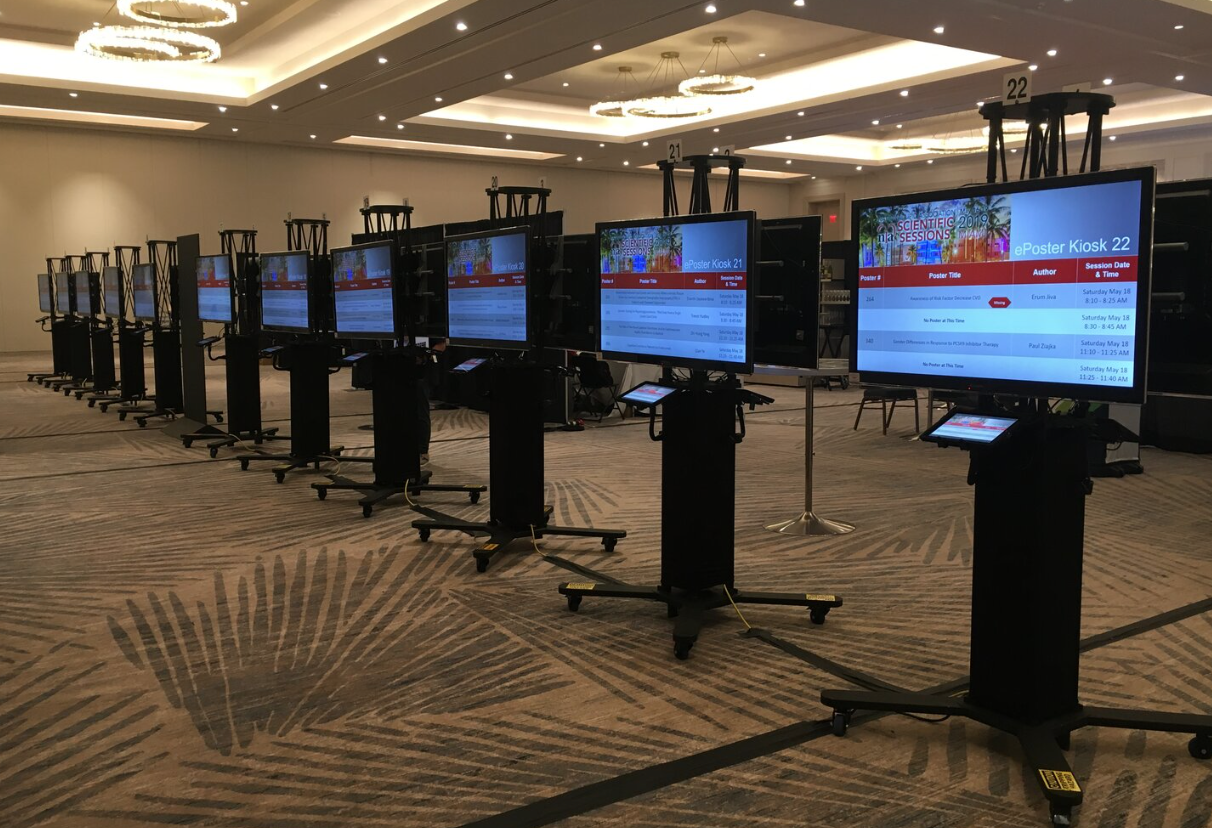
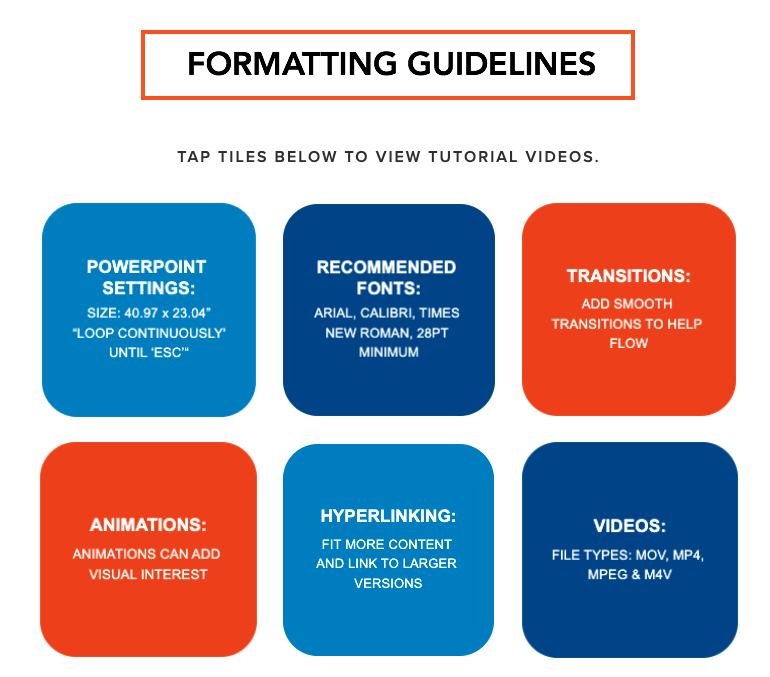
Technical Webinar: View the technical webinar to learn the steps in creating your ePoster, formatting guidelines, and how to submit your ePoster. After reviewing the video, please follow the steps below on creating and submitting your ePoster.
Creating an ePoster: Choose one of the templates below. After choosing your template, please ensure the following:
Click on the buttons below to download the guidelines.
Formatting Guidelines
View the tutorial videos for additional formatting guidelines.
TUTORIAL VIDEOSTechnical Webinar
View the technical webinar to learn the steps in creating your ePoster, formatting guidelines, and how to submit your ePoster.
Open tutorial videos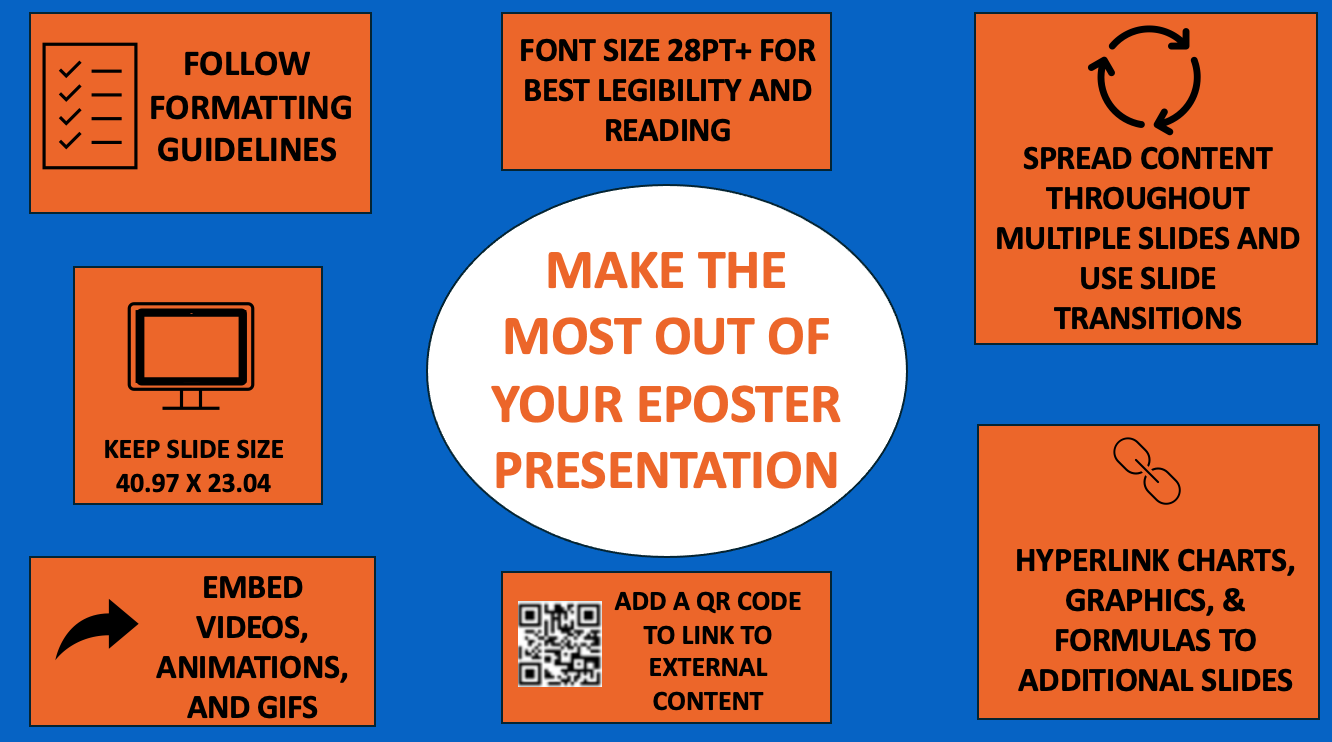
Submit
Choose one of the templates below, then follow the submission instructions and submit your ePoster by the deadline.
1. Choose an ePoster Template
Select an ePoster template, add your content, and remove all placeholder text.
Template 01
A clean, structured layout featuring distinct content modules on a single slide, designed to clearly highlight key sections of your research.
Download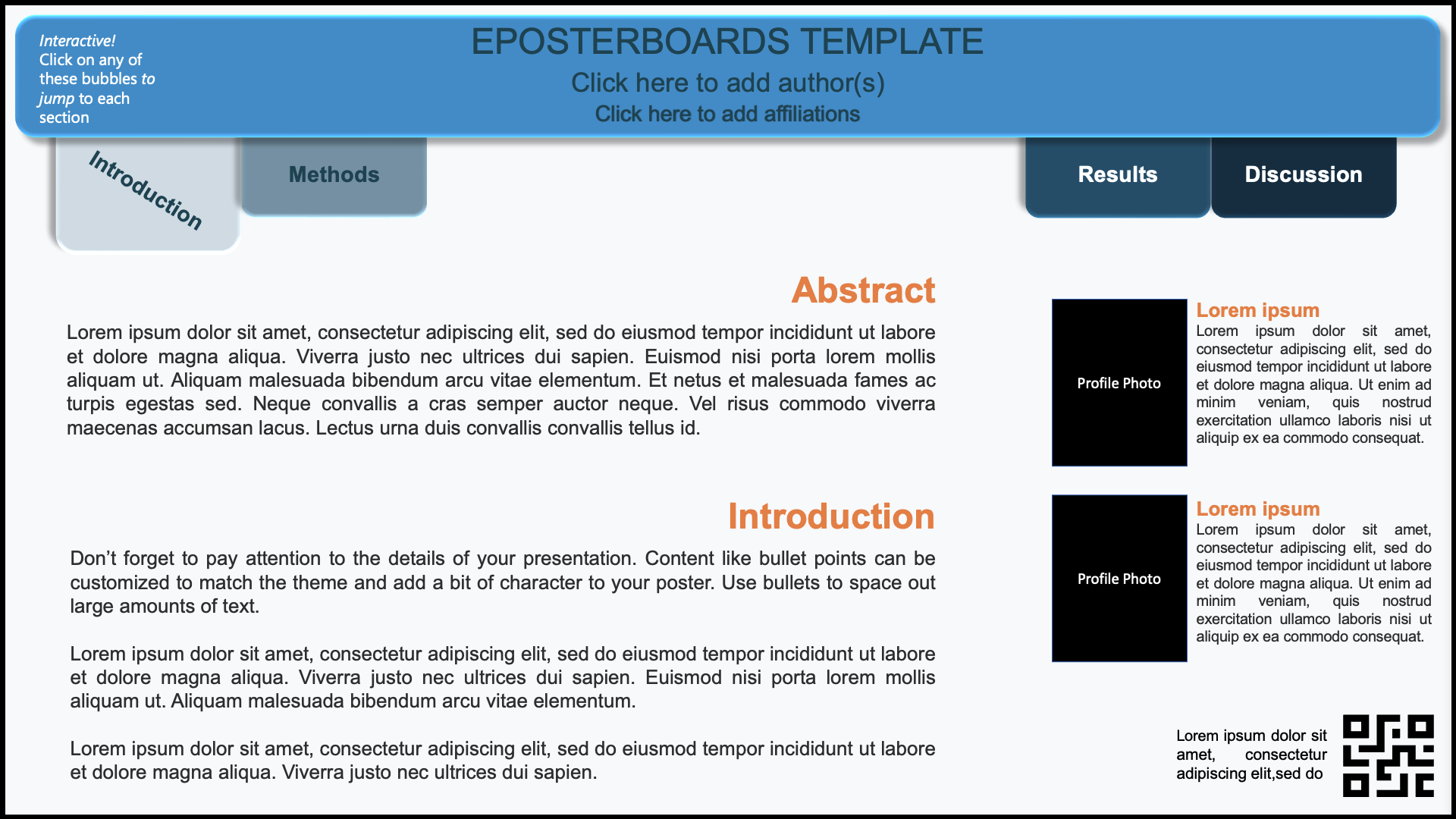
Template 02
An interactive, multi-slide layout with built-in hyperlinks for easy navigation between sections, ideal for presenting detailed research in a clear and organized format.
Download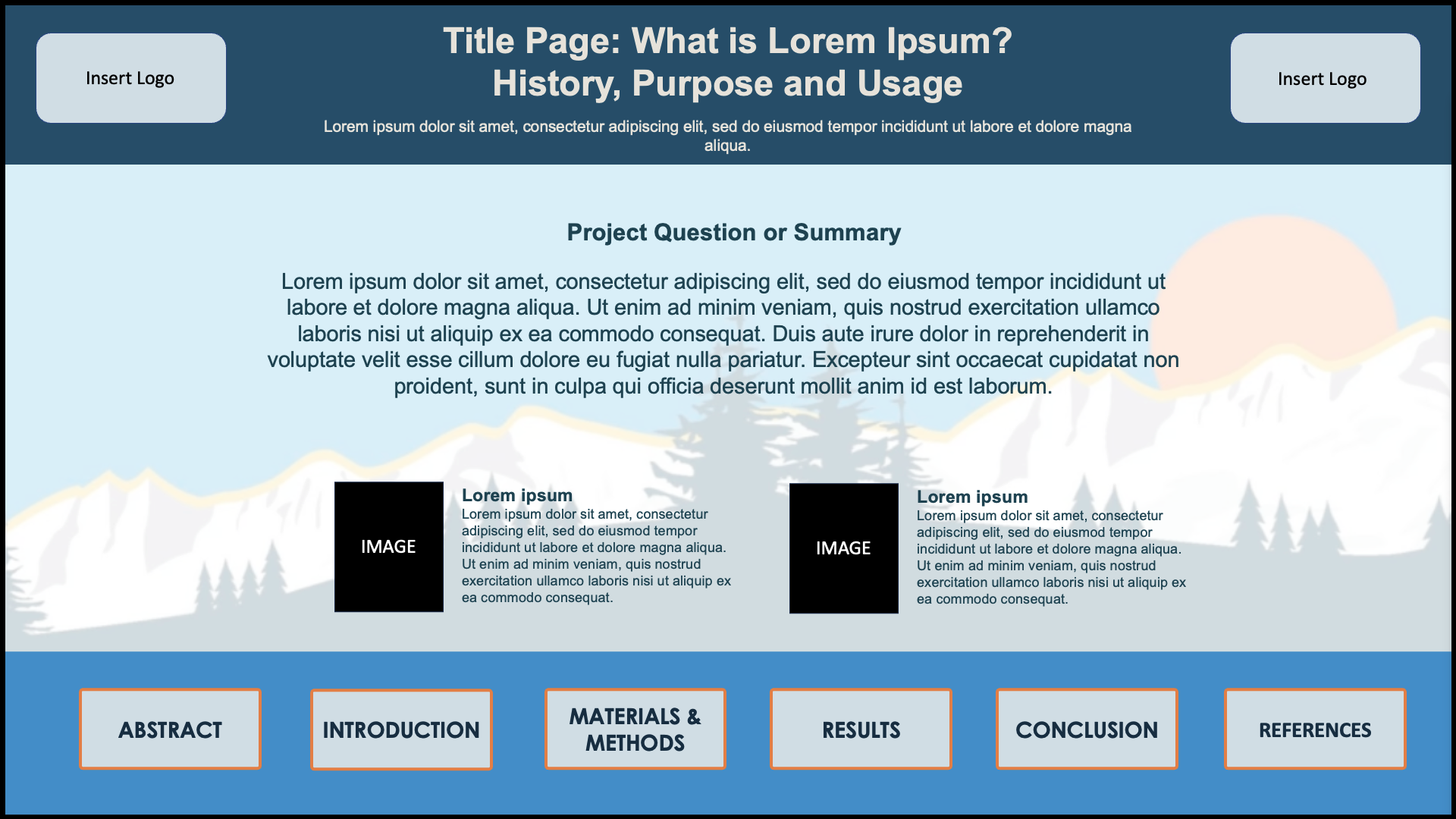
Template 03
An interactive, multi-slide layout with built-in hyperlinks for easy navigation between sections, ideal for presenting detailed research in a clear and organized format.
Download2. Submitting your ePoster
After creating your ePoster, following the instructions above, please ensure to submit your poster by the deadline.
Posters are due September 25, 2026 by 11:59pm ET
Go the submission page shown below and create an account by inputting your name and email on the bottom of the page. After creating an account, the form will appear for you to fill in information about your ePoster.
Fill out the form with all information pertaining to your ePoster.
Upload your ePoster file (.PPTX, .PPT, or .PDF only); presentations are limited to a maximum of 6 slides.
Upload any supporting materials if applicable (videos, images, graphs).
Click Submit.
You will receive an email notification when your file has been received and reviewed. Verify that the submittable email has gone to your main inbox and not your spam or junk folder.
3. Ready to Submit?
Posters are due by: September 25th, 2026 by 11:59PM ET
Prepare
Watch ePosterboards Videos to learn how to format your ePoster and learn how to use an ePoster Template.
VIEW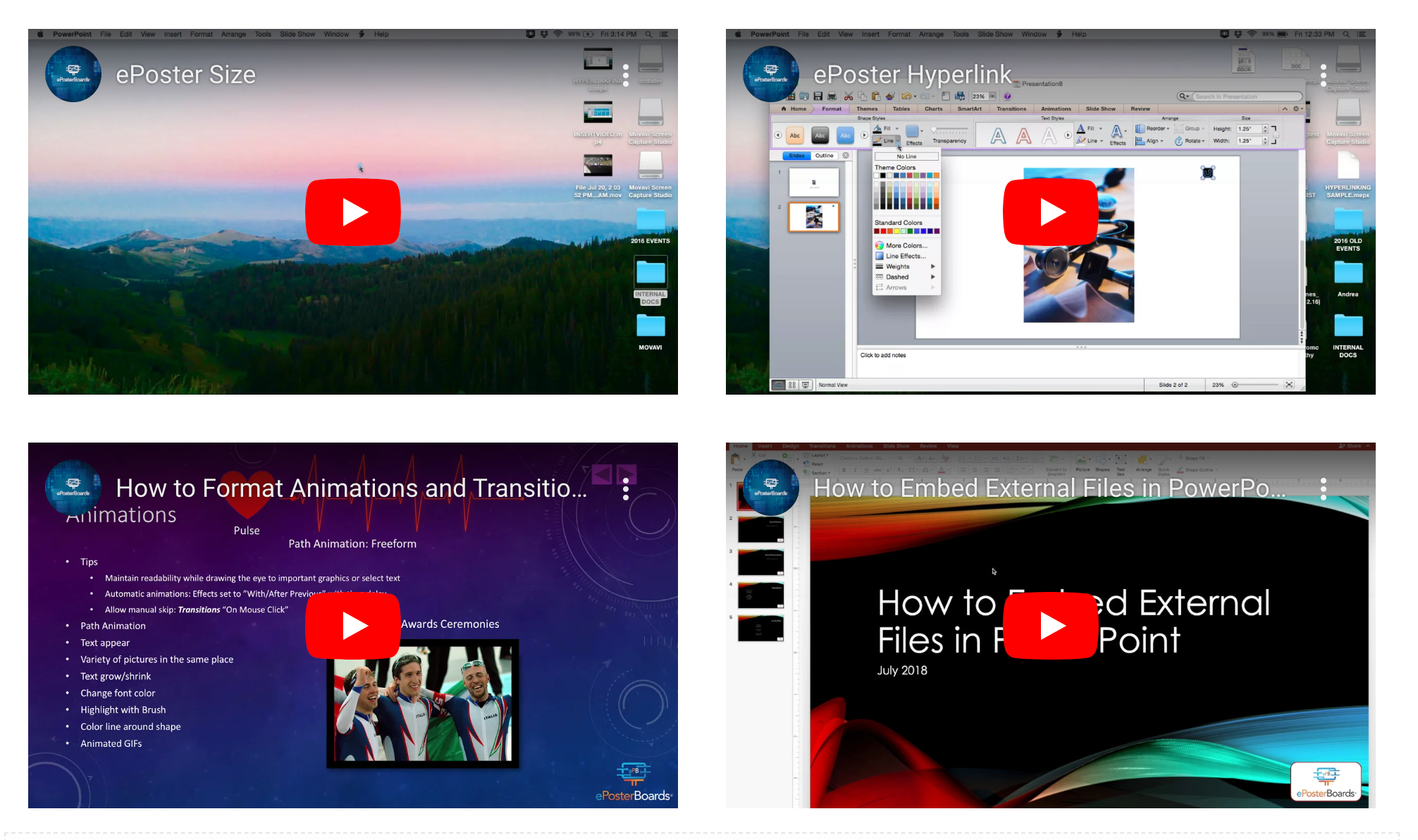 View videos
Check-In at your assigned date/time
Monday, October 19th
12:15 - 3:45pm
Tuesday, October 20th
12:15 - 4:30pm

Please reach out to:
Kathrynn.phillippe@eposterboards.com or darylha.silva@eposterboards.com
Chat with us:
Click the ‘Chat with us’ button at the bottom of the page to live chat with us during business hours (Mon-Fri: 10am - 5pm EST).
ePosterBoards
ePosterBoards LLC | 50 Terminal Street, Bldg 2, Suite 725, Charlestown, MA 02129 | 617-588-3508 | Contact_Us@EPosterBoards.com