

Welcome to the 2026 Alexion Research and PDCS Science Day Poster Presenter Community Site!
Checklist of items to complete
click on each photo to jump to the corresponding section


Review
1. Complete the Adapter Form
Please complete the adapter form and indicate what type of adapter your computer requires to connect to our TV. Our TV uses an HDMI connection, so you will need to indicate the appropriate connection for your computer.
Click Button above to complete the Adapter Form
Examples:
- HDMI to USB-C
- HDMI to HDMI
- HDMI to DisplayPort
Please make sure you complete the adapter form by Monday, August 17, 2026.
2. Create Your ePoster
Select a template or create your ePoster from scratch.
Please create your ePoster using the following guidelines:
- Slide Size: 40.97 × 23.04
- Font Size: 28 pt or larger
- Click “Set Up Slide Show” and select “Loop Continuously Until Esc”.
3. Prepare Your Device for Event Day
- Bring your computer charger.
- Turn off sleep mode on your computer to prevent it from going to sleep during the event.
- Turn on “Do Not Disturb” to prevent notifications from appearing during the event.
- Bring the device you signed up to bring. If you need to use a different device, please make sure you bring the appropriate adapter for that device.
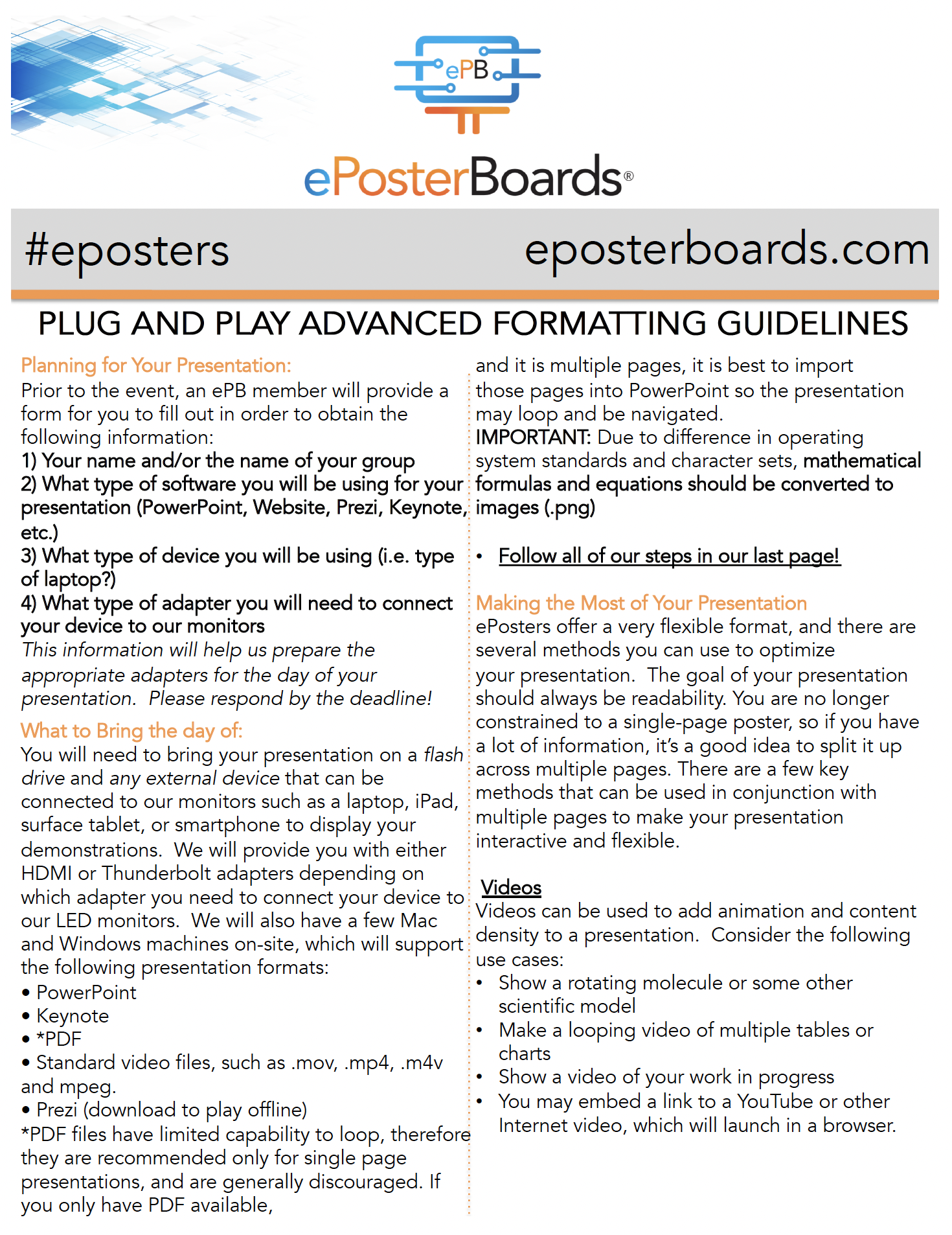
Click on the image to download the guidelines
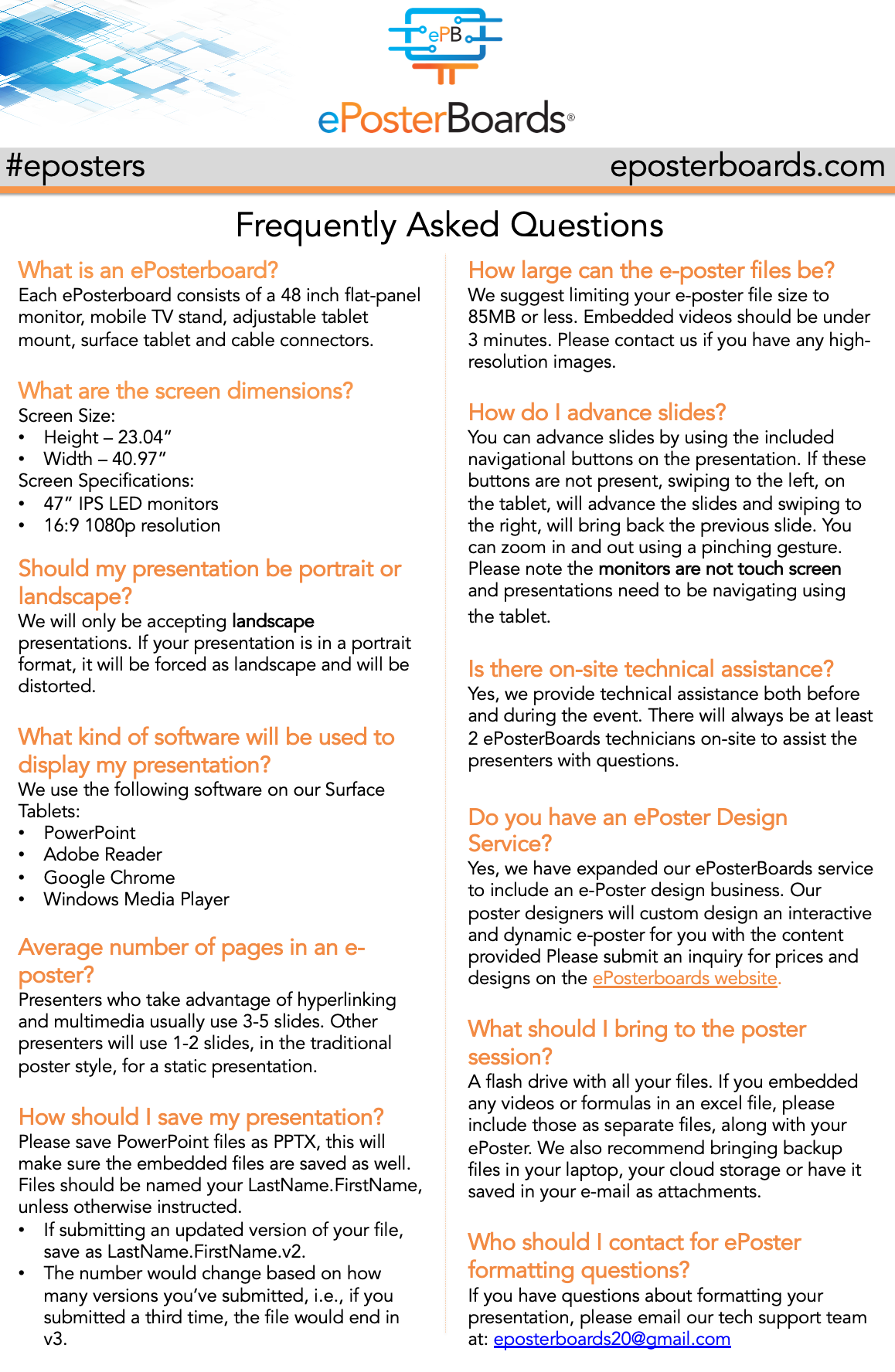


WHAT IS AN EPOSTERBOARD?
ePosterBoards are the future of poster presentations! One board consists of a large format, 48-inch flat panel monitor, a stand, a touchscreen Surface tablet, and assorted cables.
Event Details/Agenda
-
Date: September 16, 2026. Check-in times and full details are available in the schedule. Click here to view the schedule.
-
Venue: 101 College Street New Haven, CT 06510
-
1st floor
-
-
Check-in for your poster session will be at the ePosterBoards Help Desk located 1st Floor, on Septempber 15th.
 Split content amongst multiple slides
 Hyperlink to webpages or different slides within your ePoster
 Hyperlink a smaller graph, chart or photo to navigate to a full-screen version on a different slide
 Include unique slide transitions
 Embed looping videos, animations and GIFs
 Create a QR tag to navigate to your contact info, full abstract, or a website
MAKE THE MOST OUT OF YOUR EPOSTER PRESENTATION
Event Day Schedule
September 15, 2026 – Presenter Check-In.
Time
3:00 - 4:00PM
Activity
Presenters Check-In
September 16, 2026 – Event Day
Activity
Install Equipment
Session 1
Session 2
Time
8:00AM
9:00 - 11:00AM
1:30 - 3:30PM
Formatting

Formatting Guidelines
Formatting Guidelines
Click on the link to the left of the screen to review event guidelines tutorial videos
Important Items to Note:
Slide Size: 40.97 x 23.04
Font Size: 28 pt or larger
Click “Set Up Slide Show” and select “Loop Continuously Until Esc”
Technical Webinar
The Technical webinar will review the following information:
-ePoster Templates
-Formatting Guidelines
-Do's and Don'ts for your ePoster
Poster Template
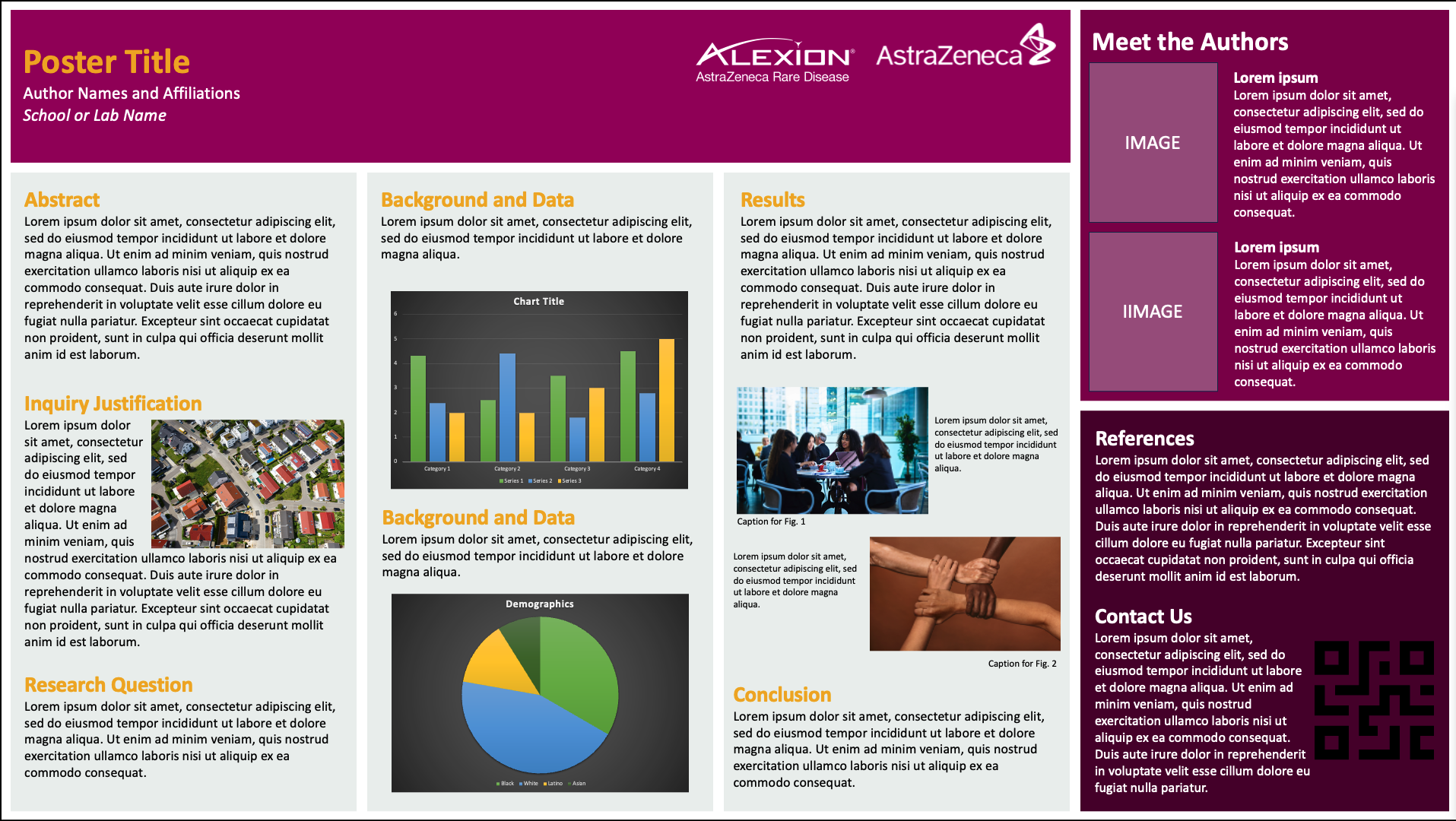
Module Template
A clean, structured layout featuring distinct content modules on a single slide, designed to clearly highlight key sections of your research
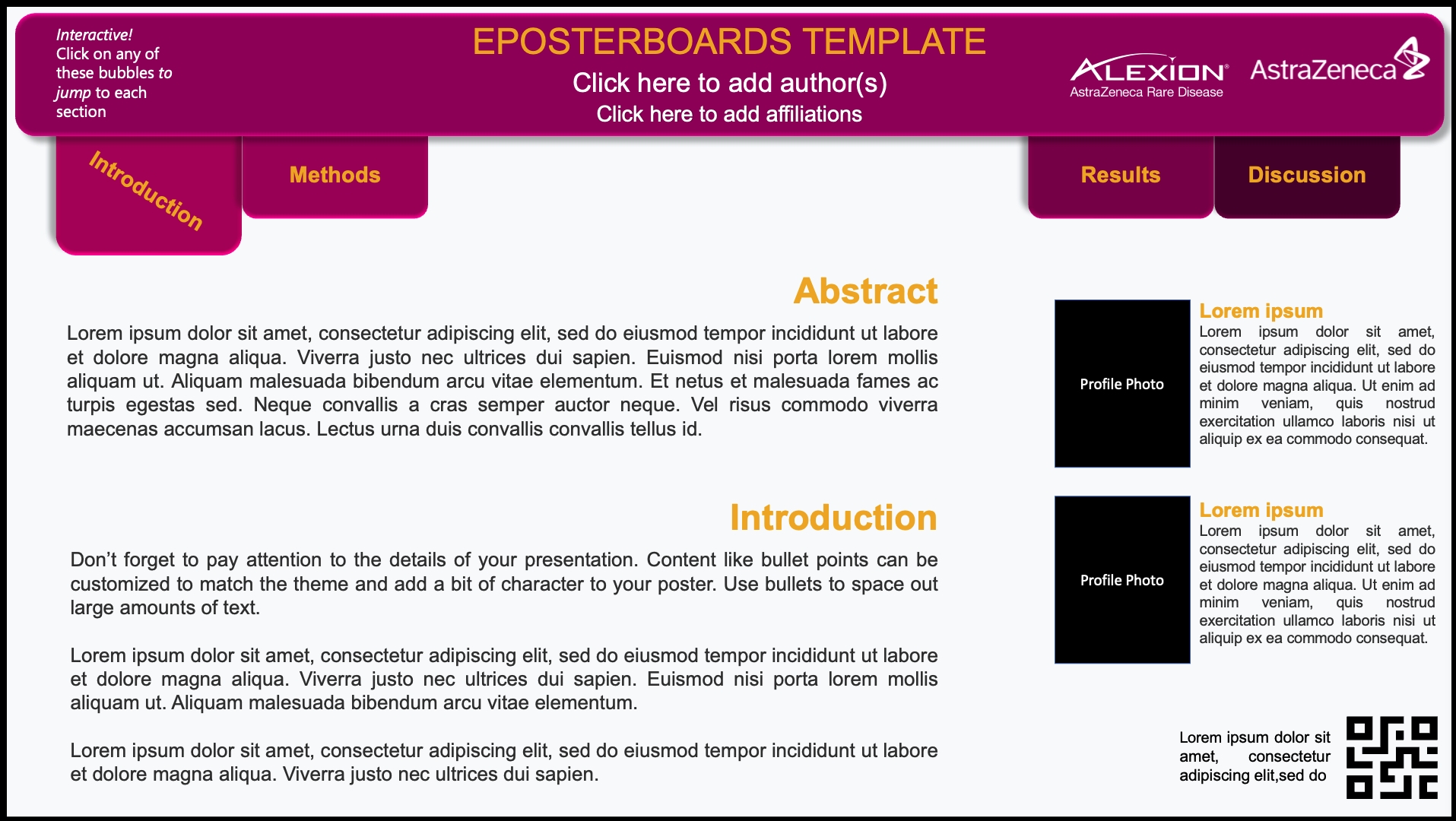
Advanced Template
An interactive, multi-slide layout with built-in hyperlinks for easy navigation between sections, ideal for presenting detailed research in a clear and organized format.

Multi-Slide Template
A creative brief template for primary science imagery including refreshed guidelines. PPT format. WORD also available in the library.
Prepare

ePosterboards Videos
Watch ePosterboards Videos
Watch ePosterboards Videos to learn how to format your ePoster and learn how to use an ePoster Template
Find Poster Assignment/Session Schedule
Click on the black button on the right hand side of the screen to see an interactive poster assignment sheet. Note the login days and times.
Check-In
Check in at the ePosterBoards Help Desk at your designated check-in time before your poster session.
Bring your computer charger.
Test your ePoster at your assigned station. Our team will be ready to assist you with any issues you may have.
