
Women's Health Conference 2026 ePoster Community Page for Poster Gallery Participants!
What can you do on the community page?
click on each photo to jump to the corresponding section





What is a Gallery ePoster?
Poster Gallery is the exclusive digital exhibition space for all accepted electronic poster. It is an online platform that can be accessed to both attendees and non-attendees anywhere. No Presentation Component. The ePoster Gallery is a viewing-only showcase.
OVERview:
As a Poster Gallery Participant, you will submit your presentation ahead of time for inclusion in the online Gallery.
We encourage you to watch the technical webinar which will give an overview of all relevant information.
Submit your poster by September 4th at 11:59pm ET and your poster presentation will be accessible starting October 1st for 1 months.
All poster presentations will be accessible on the virtual Poster Gallery through (TBD).
Presentation Format
Gallery Participants can submit their presentation as a video (MP4 or MOV) or a static poster (PDF).
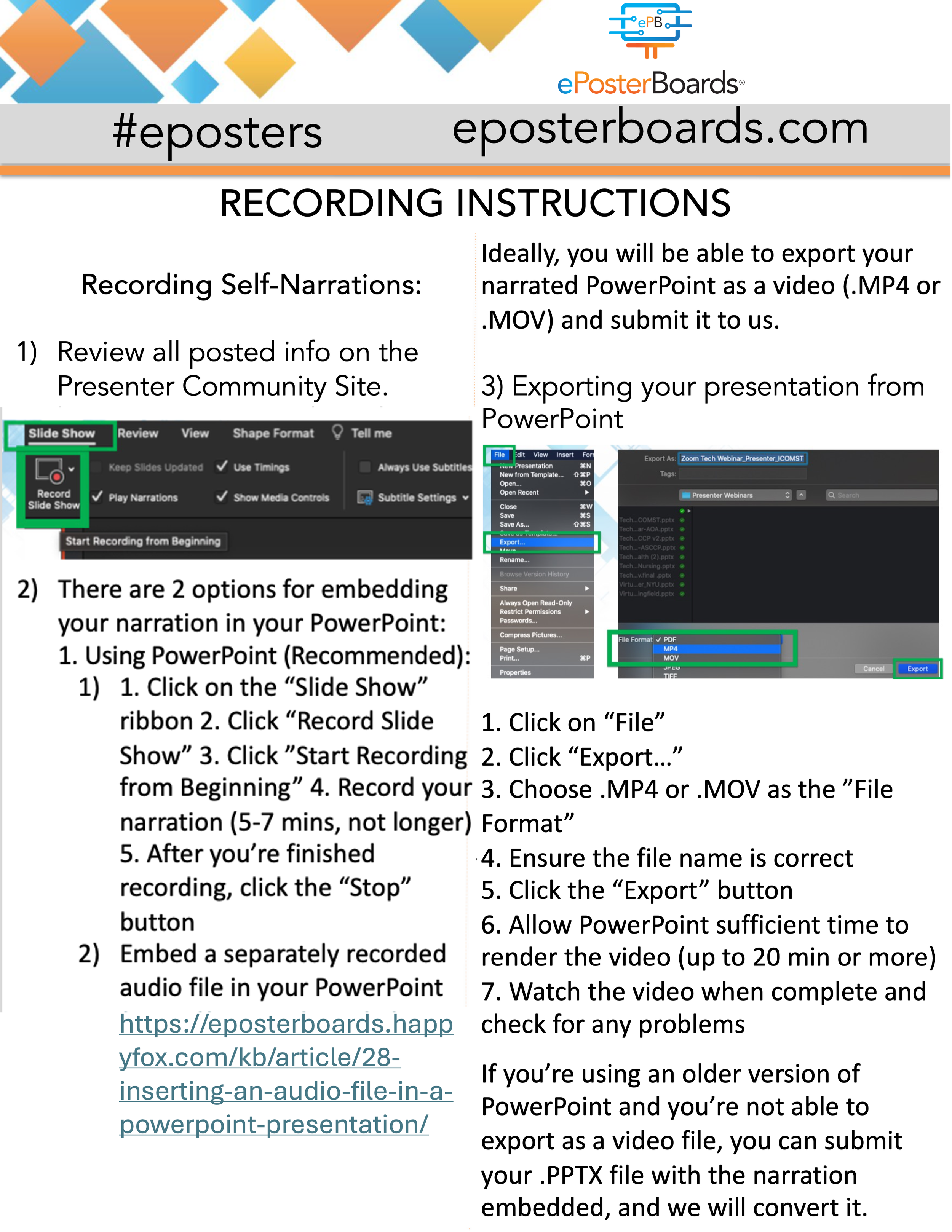
Video: If you choose to submit a video, you will need to record a narration of your poster using PowerPoint or Zoom. See the recording instructions below. Your narration can be an audible voiceover or a video feed of you presenting. In order to include a video feed, you will need to record using Zoom. Please note it must be between 5 to 7 minutes length video.
Static Poster: If you choose to create your poster using presentation software (like PowerPoint or Keynote), you must be aware of the following conversion limitations:
No Dynamic Content: The viewing environment is static. All dynamic elements, including animations, slide transitions, embedded videos, and audio, will not be visible or functional.
Flattened Layers: When saving your presentation as a multi-page PDF, ensure that all critical information is fully visible on each respective page. Content that relies on one element being revealed or moved by an animation will be flattened, and could be lost or permanently obscured in the static PDF file.
If you have any questions, please reach out via our chat box or the technical support form linked below.
Watch the Informational ePoster Webinar Here:
Choose a Template:
Templates are fully customizable
Feel free to change color scheme, number of slides, logos, and section titles
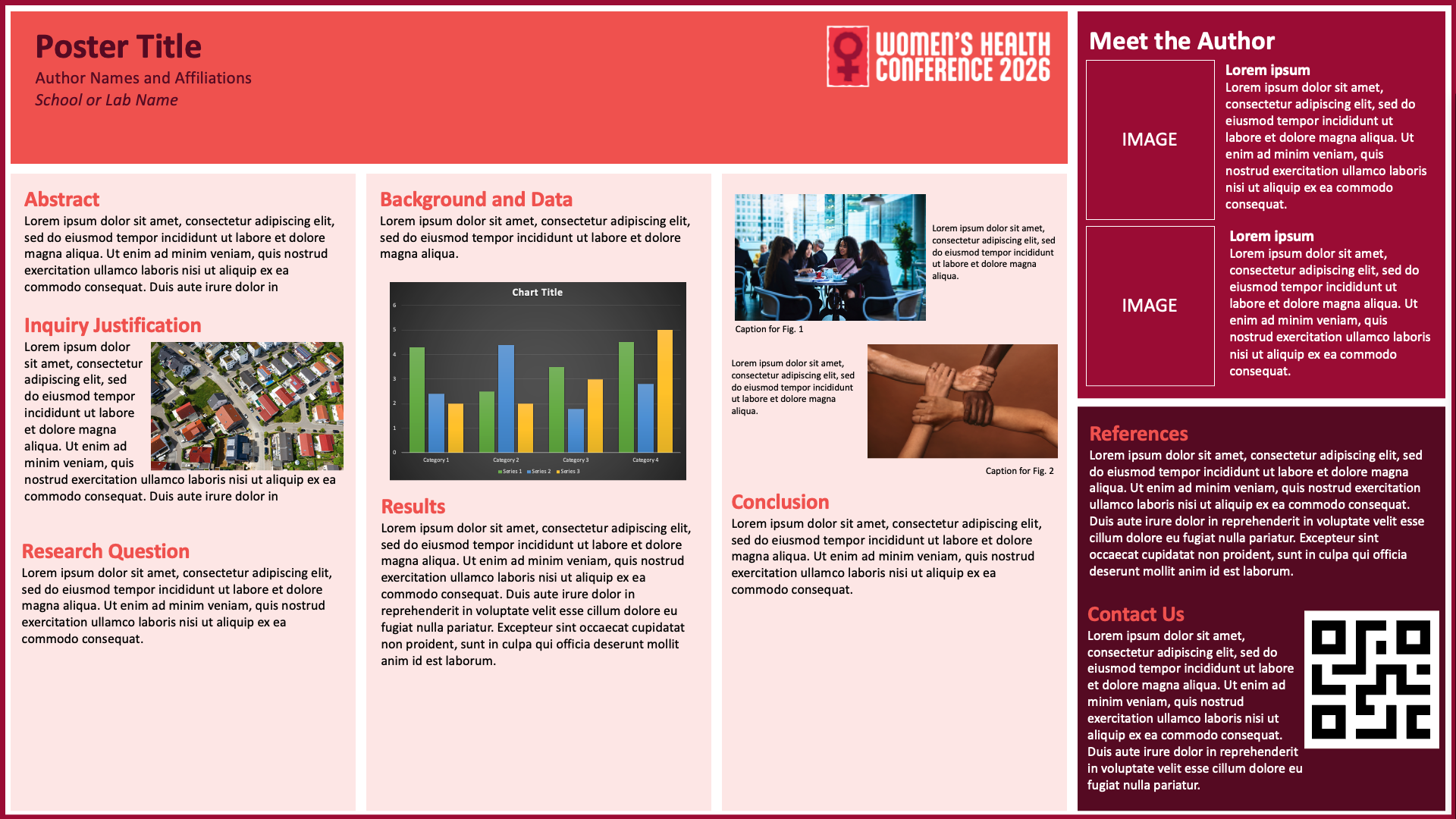
Single Slide Template
A clean, structured layout clearly highlighting key sections of your content.
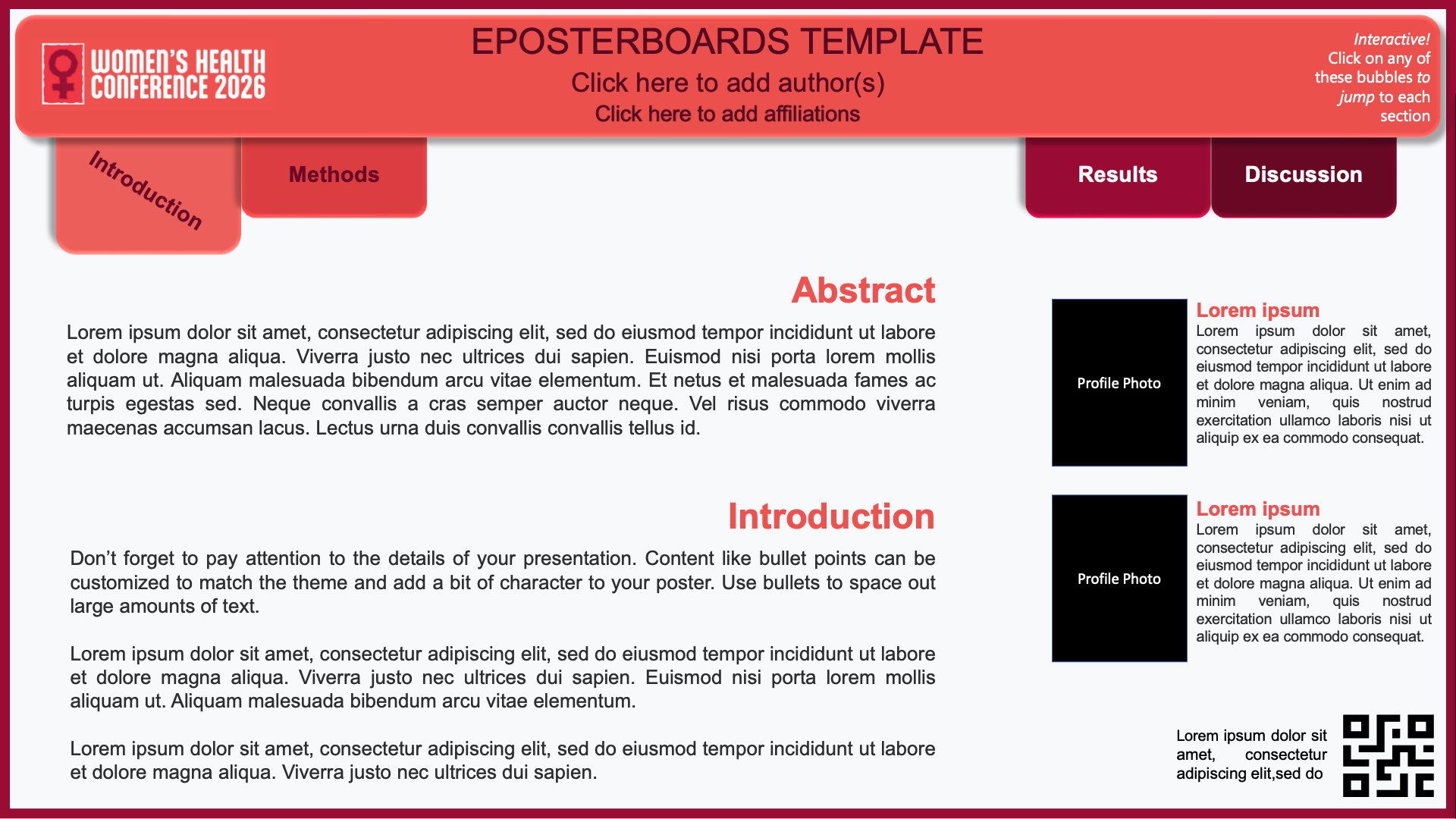
Advanced Template
An interactive, multi-slide layout with built-in hyperlinks for easy navigation between sections, ideal for presenting detailed research in a clear and organized format
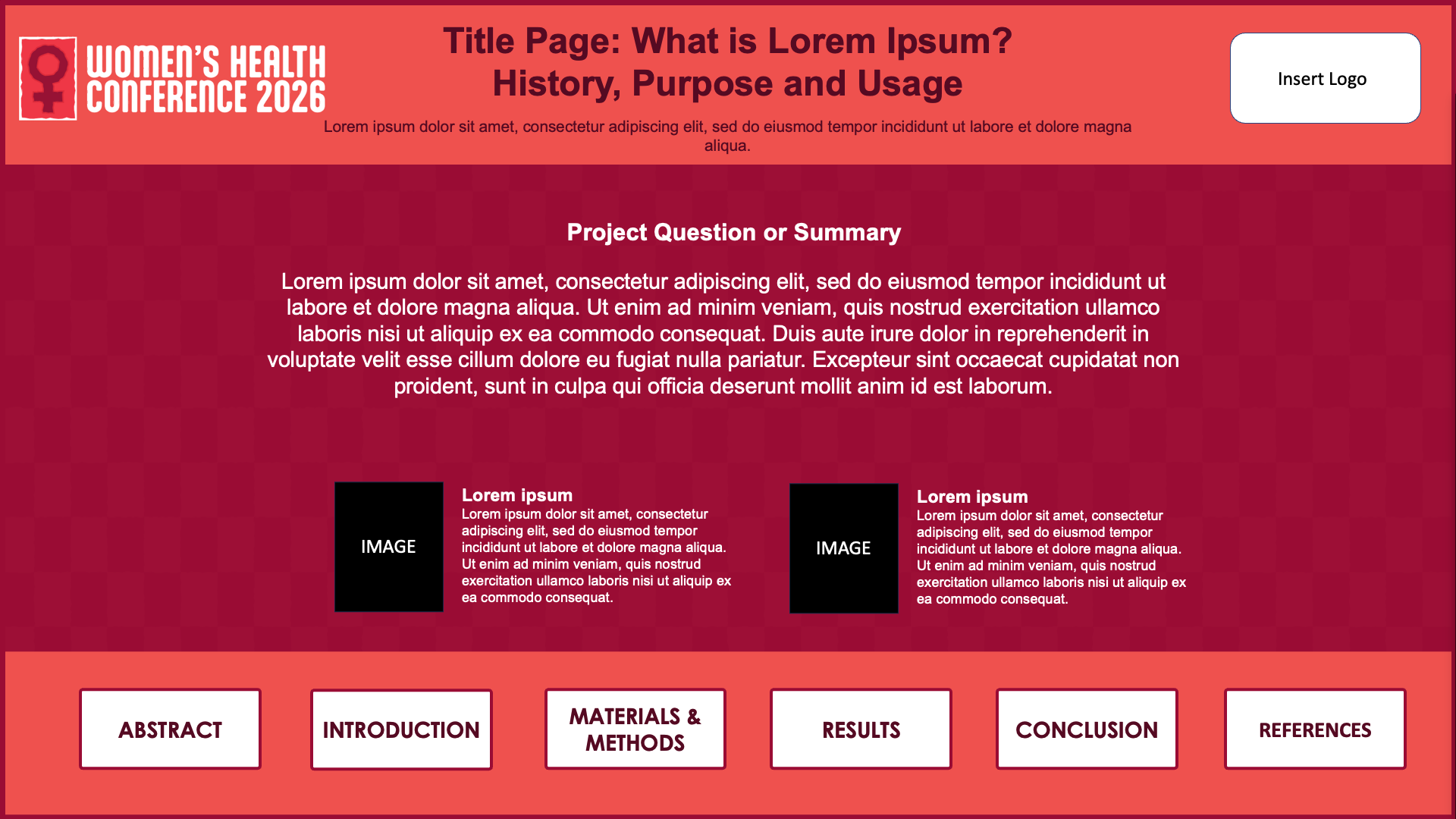
Hyperlink Template 1
An interactive, multi-slide layout with built-in hyperlinks for easy navigation between sections, ideal for presenting detailed research in a clear and organized format.
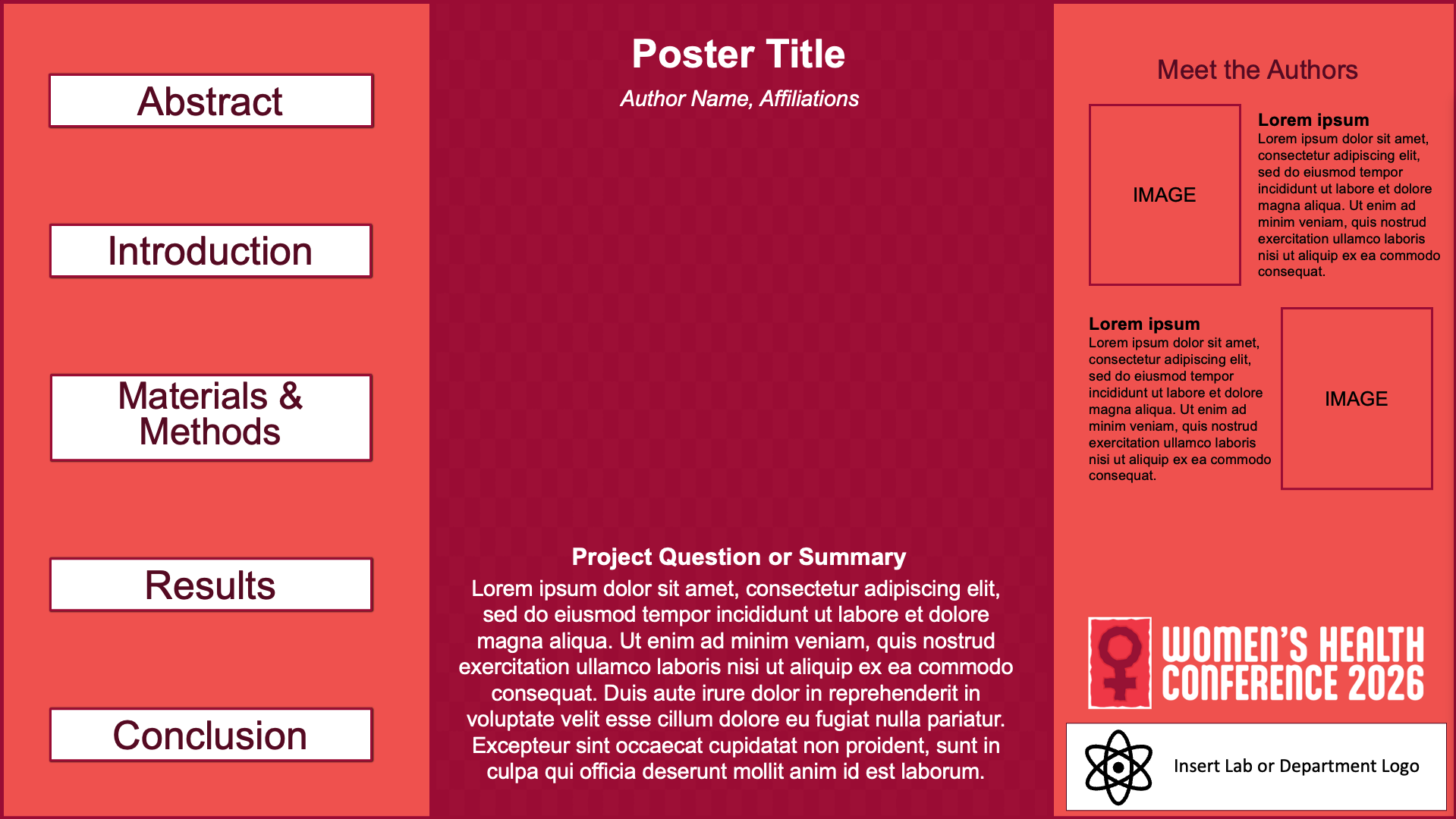
Hyperlink Template 2
An interactive, multi-slide layout with built-in hyperlinks for easy navigation between sections, ideal for presenting detailed research in a clear and organized format.
formatting guidelines:
Please follow the basic settings below.
SAVE SLIDES AS .PDF
LEARN MORE WITH OUR YOUTUBE CHANNEL
recorded presentation instructions
*Keep recordings to 5-7 mins
*UPLOAD BOTH YOUR POSTER AND AUDIO IN ONE SINGLE SUBMISSION
ePoster Recording Instructions
Recording instructions using Zoom
Recording instructions using PowerPoint’s audio narration feature

View Full Instructions
Recording instructions if you recorded your audio as a separate file:

View Full Instructions:
upload your recorded slideshow or presentation slidedeck
Submitting your ePoster:
Posters are due by Friday, September 4th, 2026 at 11:59PM ET
Go to the submission page shown below and create an account by inputting your name and email on the bottom of the page. After creating an account, the form will appear for you to fill in information about your ePoster.
Fill out the form with all information pertaining to your ePoster
Upload your ePoster file (.PDF, .MOV or .MP4 only); presentations are limited to a maximum of 6 slides
Click Submit
You will receive an email notification when your file has been received and reviewed. Verify that the submittable email has gone to your main inbox and not your spam or junk folder.
Important Notice:
When creating an account and uploading your file, please ensure your email settings allow messages from Submittable, as all communications are handled through the platform. Be sure reviewer notifications are not sent to your spam or junk folder to avoid missing reviews or important updates. Please save your username and password for future access.
Ready to Submit?
Posters are due by: Friday, September 4th, 2026 by 11:59PM ET
Use the button to move to the submission website to upload
