

Welcome to the 2026 ADEA Fall Meetings Poster Presenter Community Site!
What can you do on the community page?
click on each photo to jump to the corresponding section


Checklist of items to complete
click on each photo to jump to the corresponding section
1. Technical Webinar
Register for the Technical Webinar on Tuesday, Sept. 22 at 1:00 p.m. ET, to learn how to create your ePoster, follow the formatting guidelines, and complete the submission process. Download the Plug & Play Formatting Guidelines below.
2. Create Your ePoster
Select an ePoster template below, add your content, and remove all placeholder text.
3. Create a Submittable Account
Review the submission instructions, click Continue to create your account, and save your login information for future access.
4. Submit Your ePoster
You will upload your file on the Submittable platform. Complete the submission questions, upload your ePoster and required files, and click Submit before the deadline on Friday, Oct. 2 at 11:59 p.m. ET
Important: Save your ePoster file as Lastname.Firstname before uploading.
5. Review Your Email
You will receive email notifications:
- When your Submittable account has been created.
- When your submission has been received.
- When your submission has been reviewed
- You will receive an email indicating whether your ePoster has been accepted or declined. If your submission is accepted, no further action is required. If it is declined, the email will explain the reason(s). Please make the necessary revisions and re-upload your ePoster.
Be sure to check your primary inbox, as well as your spam or junk folder, for emails from Submittable.
Event Overview
Overview:
As a live poster presenter you will be presenting at your assigned session time frame during the conference.
We encourage you to register for the technical webinar on Tuesday, Sept. 22 at 1:00 p.m. ET.
Important Notice:
When creating an account and uploading your file, please ensure your email settings allow messages from Submittable, as all communications are handled through the platform. Be sure reviewer notifications are not sent to your spam or junk folder to avoid missing reviews or important updates.
ePosterboards assignments will be e-mailed once the assignment list has been finalized
EVENT DETAILS
Wednesday, Oct. 21, 2026
Renaissance Hotel • Atrium
202 E. Pratt St., Baltimore, MD 21202
SCHEDULE
12:30 – 4:30 p.m. ET — ePoster Presenter Check-In
5:00 – 6:00 p.m. ET — ePoster Session
ePOSTER FILE SUBMISSION DEADLINE
Friday, Oct. 2 at 11:59 p.m. ET
PRESENTATION
Use the provided templates and guidelines below for optimal screen display. Interactive features such as videos, GIFs, animations, and hyperlinks are supported.
ON-SITE SUPPORT
ePosterBoards will have a Help Desk available for check-in and technical assistance at the event. Bring a flash drive for backup.



What is an ePosterBoard?
Technical Webinar
Register for the technical webinar below to learn the latest tips and tricks for creating your ePoster presentations.
The Webinar covers the following information:
-ePoster Templates
-Formatting Guidelines
-Do's and Dont’s for your ePoster
Tuesday, Sept. 22 at 1:00 p.m. ET
Click on the Buttons below to download the ePoster guidelines

Formatting Guidelines
Watch ePosterboards Videos
Watch ePosterboards Videos to learn how to format your ePoster and learn how to use an ePoster Template
Click on the button to the left for additional ePoster formatting tutorial videos.
Important Items to Note:
Slide Size: width 40.97” x height 23.04”
Font Size: 28 pt or larger
Save file as Lastname.Firstname
Important Notice:
When creating an account and uploading your file, please ensure your email settings allow messages from Submittable, as all communications are handled through the platform. Be sure reviewer notifications are not sent to your spam or junk folder to avoid missing reviews or important updates.

ePosterboards Videos
ePoster Templates
Choose an ePoster Template:
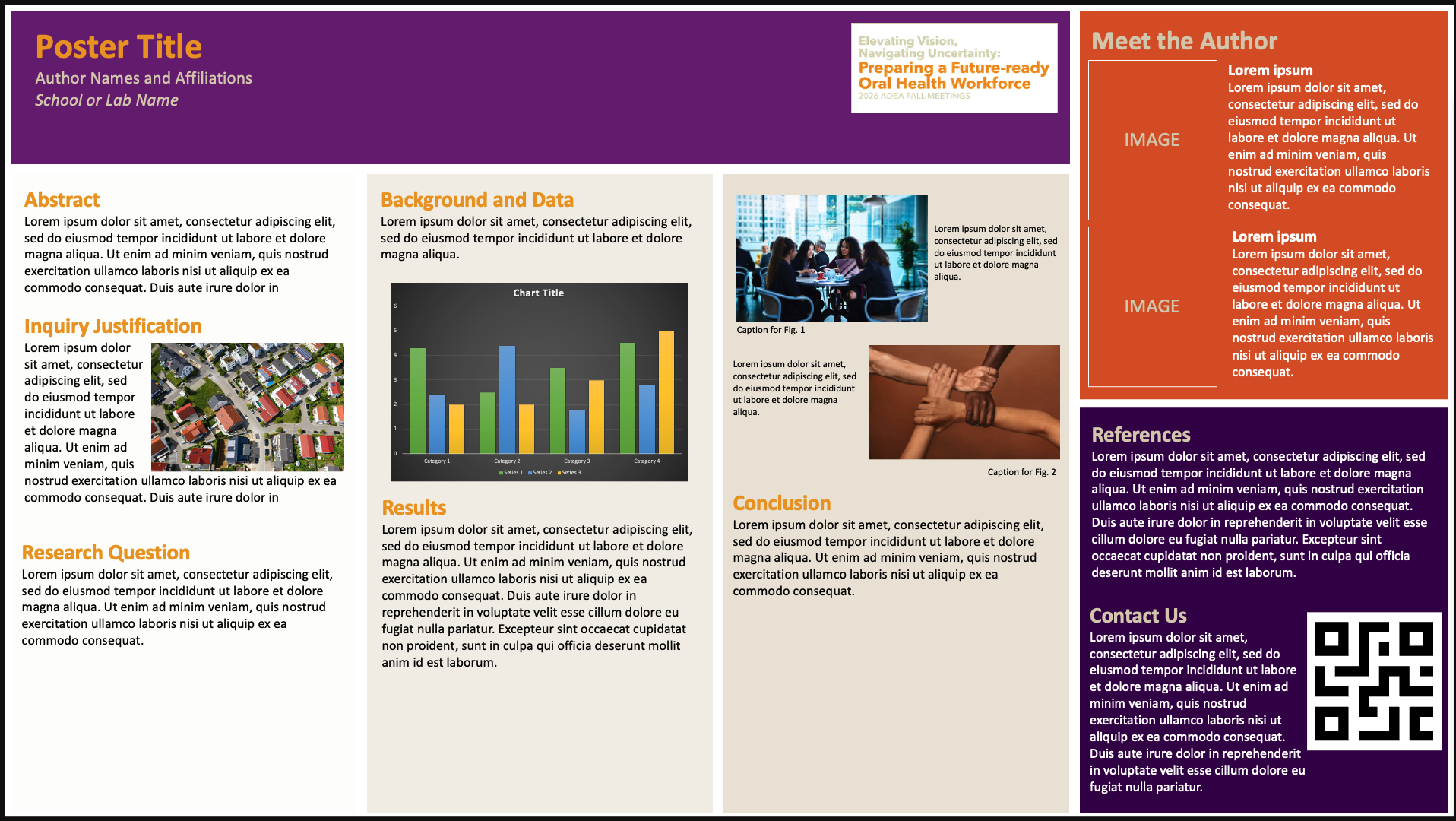
Single Slide Template
A clean, structured layout clearly highlighting key sections of your content.

Advanced Template
An interactive, multi-slide layout with built-in hyperlinks for easy navigation between sections, ideal for presenting detailed research in a clear and organized format
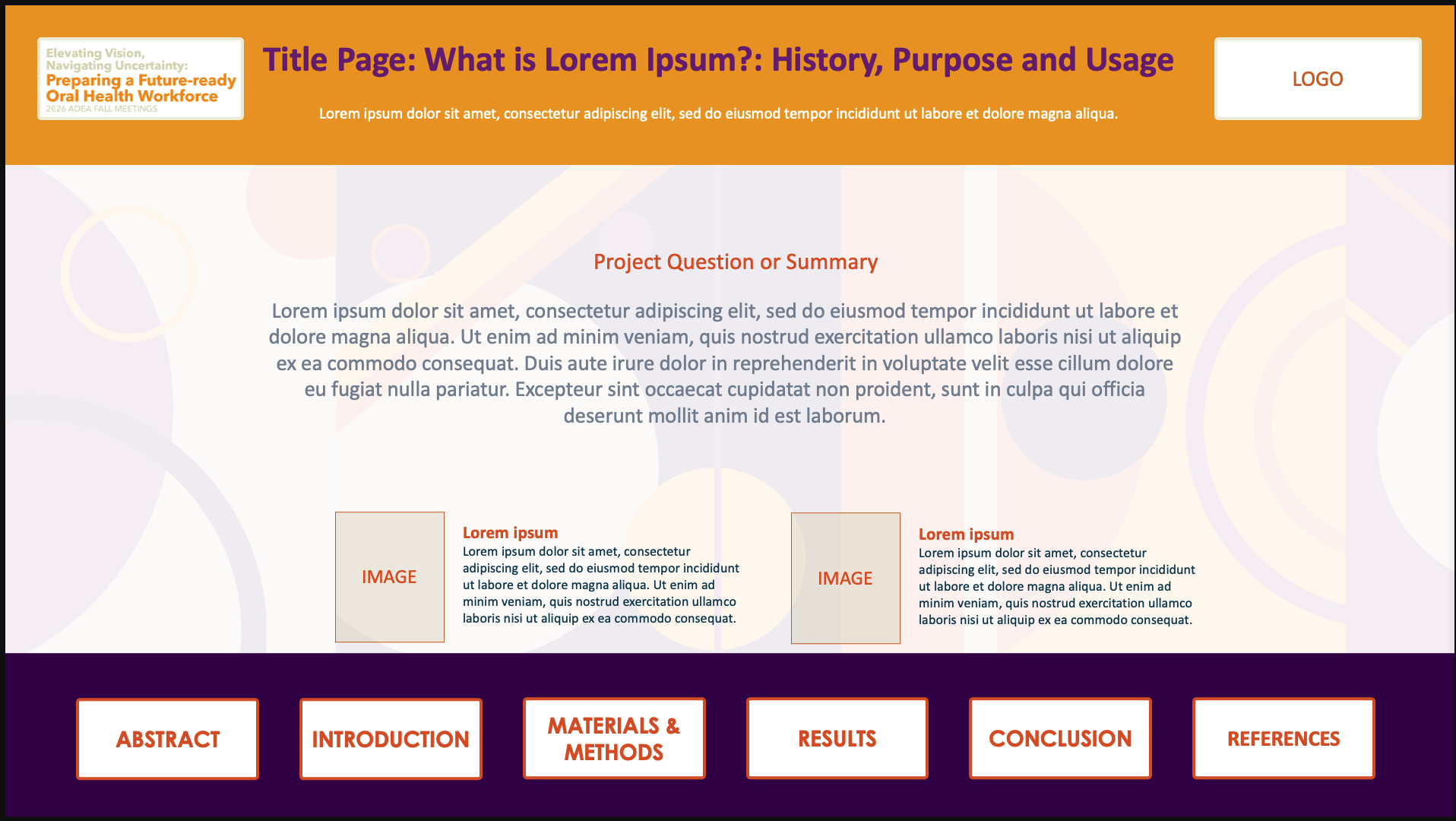
Hyperlink Template 1
An interactive, multi-slide layout with built-in hyperlinks for easy navigation between sections, ideal for presenting detailed research in a clear and organized format.
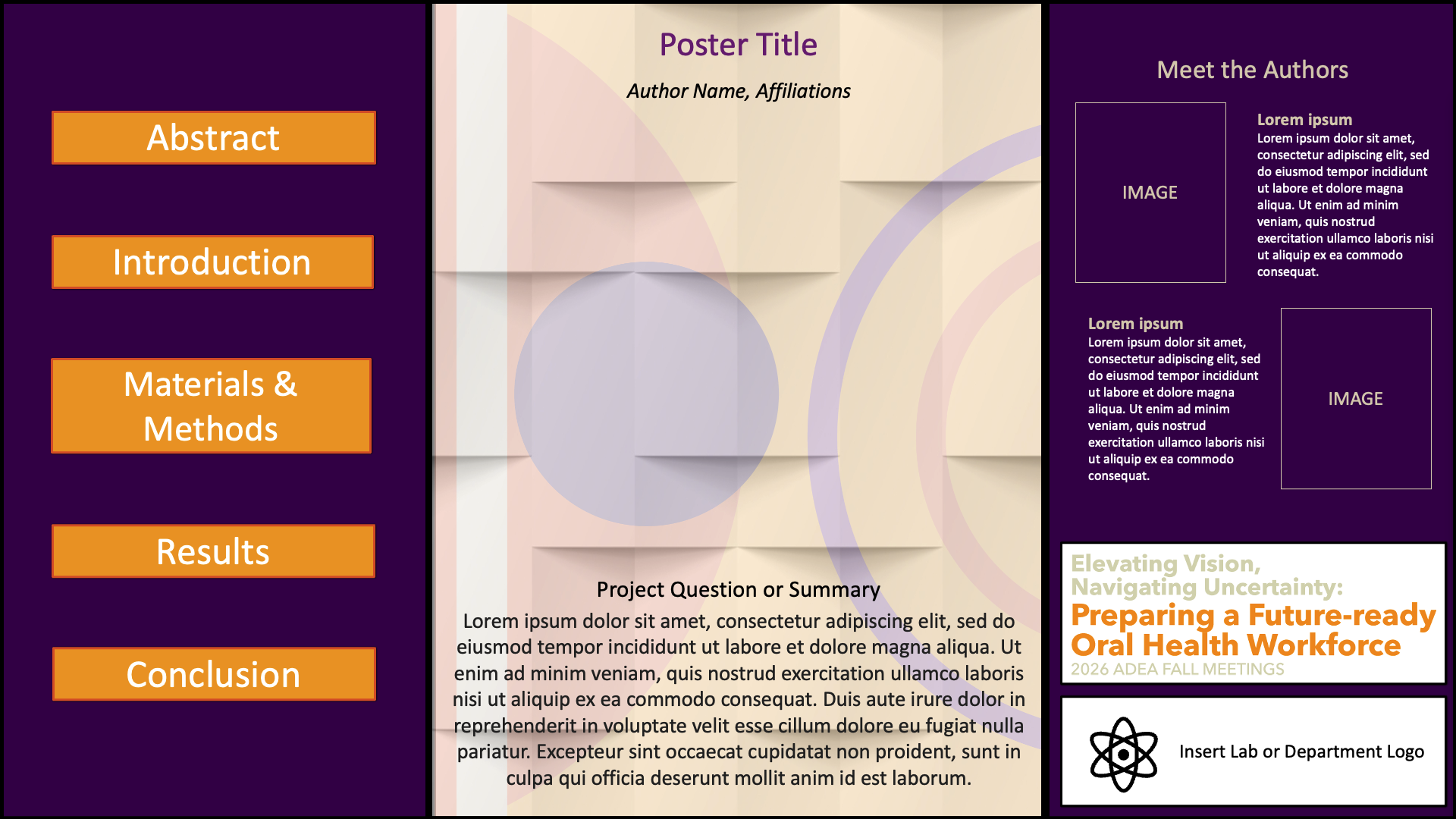
Hyperlink Template 2
An interactive, multi-slide layout with built-in hyperlinks for easy navigation between sections, ideal for presenting detailed research in a clear and organized format.
Upload ePoster File
Submitting your ePoster:
Posters are due by Friday, Oct. 2 at 11:59 p.m. ET
Go to the submission page shown below and create an account by inputting your name and email on the bottom of the page. After creating an account, the form will appear for you to fill in information about your ePoster.
Fill out the form with all information pertaining to your ePoster
Upload your ePoster file (.PPTX, .PPT or .PDF only); presentations are limited to a maximum of 6 slides
Upload any supporting materials if applicable (videos, images, graphs)
Click Submit
You will receive an email notification when your file has been received and reviewed. Verify that the submittable email has gone to your main inbox and not your spam or junk folder.
Important Notice:
When creating an account and uploading your file, please ensure your email settings allow messages from Submittable, as all communications are handled through the platform. Be sure reviewer notifications are not sent to your spam or junk folder to avoid missing reviews or important updates. Please save your username and password for future access.
Ready to Submit?
Posters are due by: Friday, Oct. 2 at 11:59 p.m. ET
Click the button to the right to move to the submission website to upload your file
Session Assignments
Find Your ePoster Assignment Location
Click the button below to access the ePoster assignment sheet to find your board number, session date, and time.
