

WELCOME TO THE 2026 BIDMC RESEARCH RETREAT EPOSTERBOARD PRESENTER COMMUNITY SITE

EPOSTERBOARD Features
ePosterBoards allow content to be organized across multiple slides with smooth transitions, making information easier to structure and follow. It support embedded videos, animations, and GIFs to enhance presentation of material. QR codes can be added to link to external resources such as datasets, publications, or websites. In addition, charts, graphics, and formulas can be linked to supporting slides for further detail, enabling a more interactive and connected way to present information.
Checklist of items to complete
click on each photo to jump to the corresponding section


Review
Presenter Instructions:
Please note: Presenter’s Name, Poster Title, and Category of submission (basic / translational/…etc.) will remain unchanged, and are listed in the following BIDMC Poster directory.
Technical Webinar
Review the technical webinar to learn how to create your ePoster, follow the formatting guidelines, and understand the submission process. You may also download the Plug & Play Formatting Guidelines using the button below.
Create Your ePoster
Choose one of the ePoster templates below. After selecting your template, copy and paste your content into the template. Remove all placeholder text and replace it with your own content.
Note: Do not remove the "CONFIDENTIAL INFORMATION" or the logos from your ePoster.
Create a Submittable Account
Click here and review the submission instructions. Then, click Continue at the bottom of the page to create a Submittable account. Please save your username and password for future access.
Submit Your ePoster
Once you have signed in, carefully read and answer all of the submission questions. Upload your ePoster and any required embedded files, then click Submit.
Please submit your ePoster by the deadline.
Important: Save your ePoster file using your Abstract ID as the filename before uploading.
Review Your Email
You will receive email notifications:
· When your Submittable account has been created.
· When your submission has been received.
· When your submission has been reviewed.
Be sure to check your primary inbox, as well as your spam or junk folder, for emails from Submittable.
After your submission has been reviewed, you will receive an email indicating whether your ePoster has been accepted or declined. If your submission is accepted, no further action is required. If it is declined, the email will explain the reason(s). Please make the necessary revisions and re-upload your ePoster.
Questions
If you have any questions, please contact Darylha Silva or Kathleen Moran.
Click on the Buttons below to download the guidelines
Technical Webinar
Download Template
1. Choose an ePoster Template
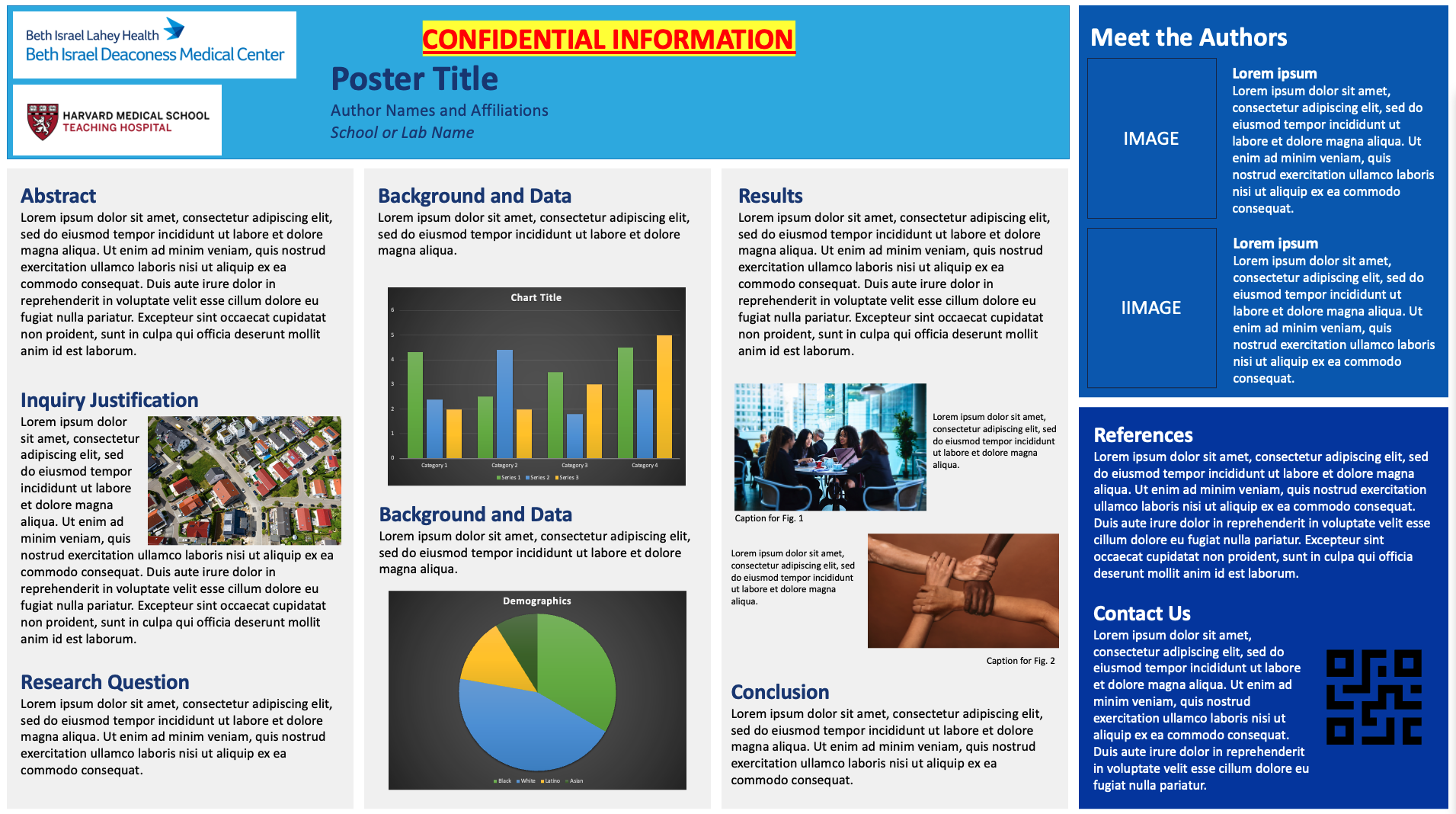
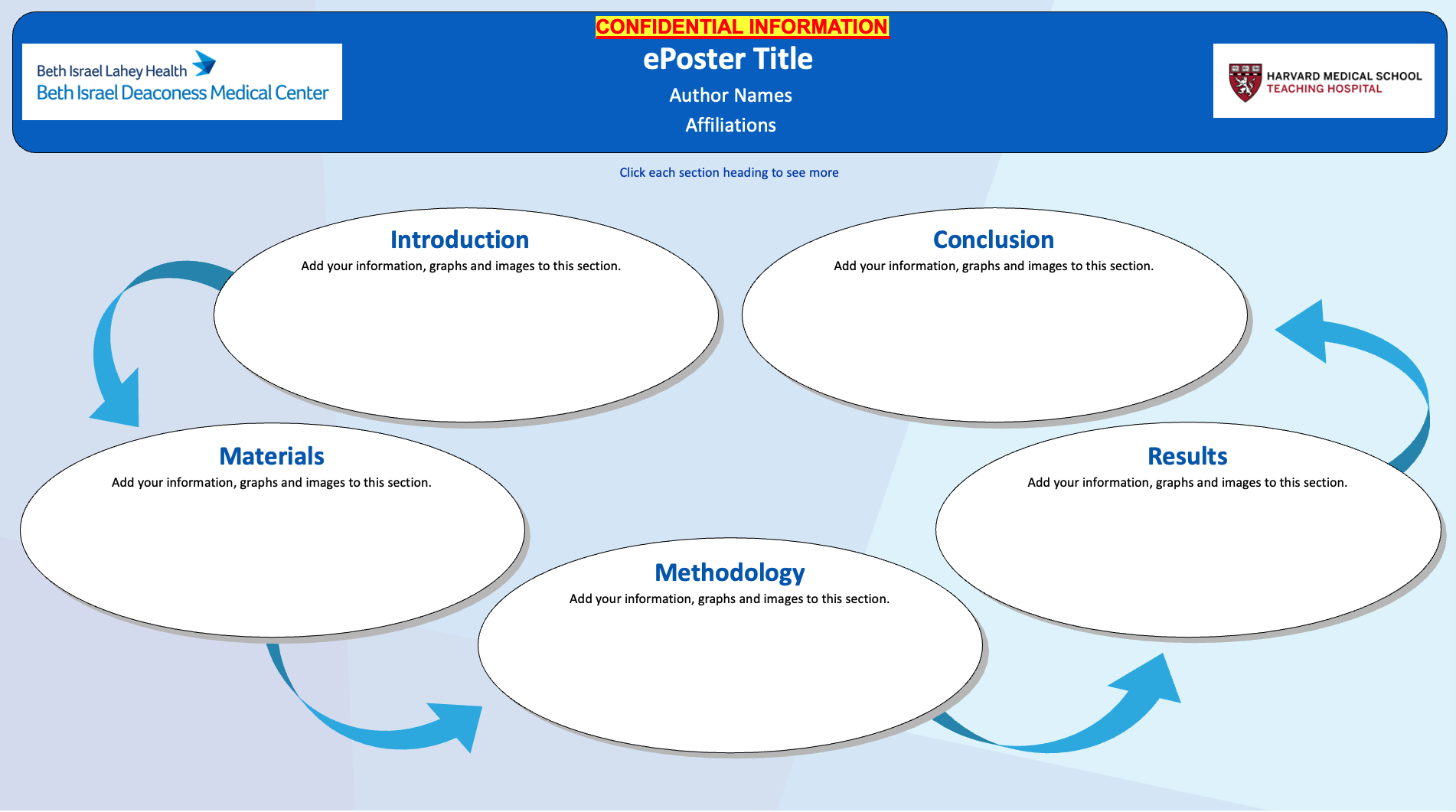
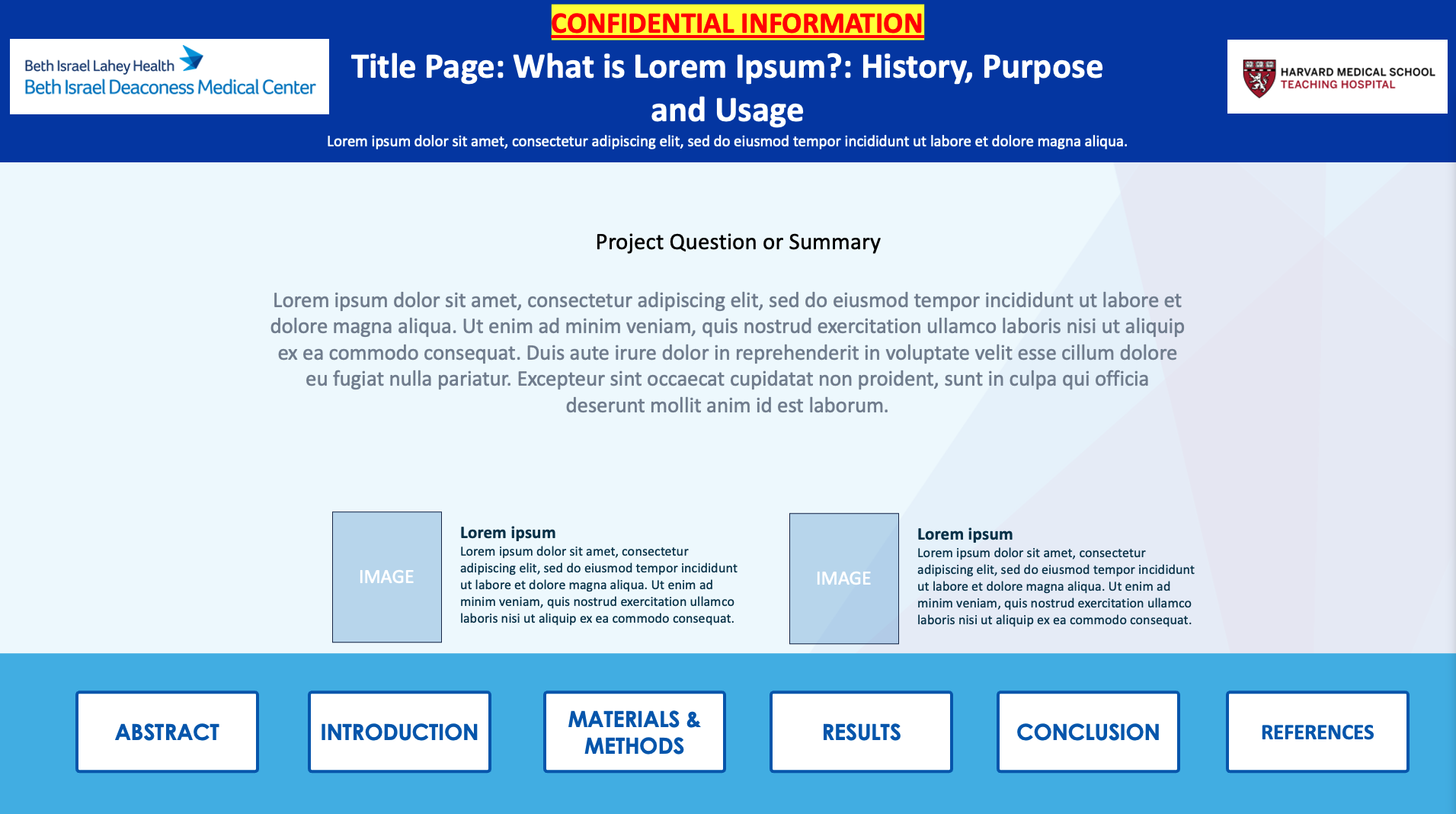
Template 1- Single Sided Template 2- Hyperlink Slides V1 Template 3- Hyperlink Slides V2
Submit
Follow Formatting Guidelines to ensure your poster meets the following requirements:
Submit Your File:
1) Your Poster Presentation(.pptx, .ppt, or .pdf), which will be presented live on the day of the event.
Ready to Submit?
Posters are due by: September 4th, 2026 by 5:00PM ET
Use the button to move to the Submission Website to Upload your File
On-site Check-in Process
Check In at your assigned date/time
Check-in at the Technical Support Help Desk during the time frame below:
Time to be announced
During the event, ePB staff will help with last minute poster uploads, provide technical support, and answer any questions related to your Eposterboard.
Remember to submit your ePoster prior to the event by the deadline.
Bring a backup of your ePoster on a thumb drive.
Test your ePoster at your assigned station, if you are having difficulties, please let us know so we can help.
